AI writes the code.
Spur validates it.
















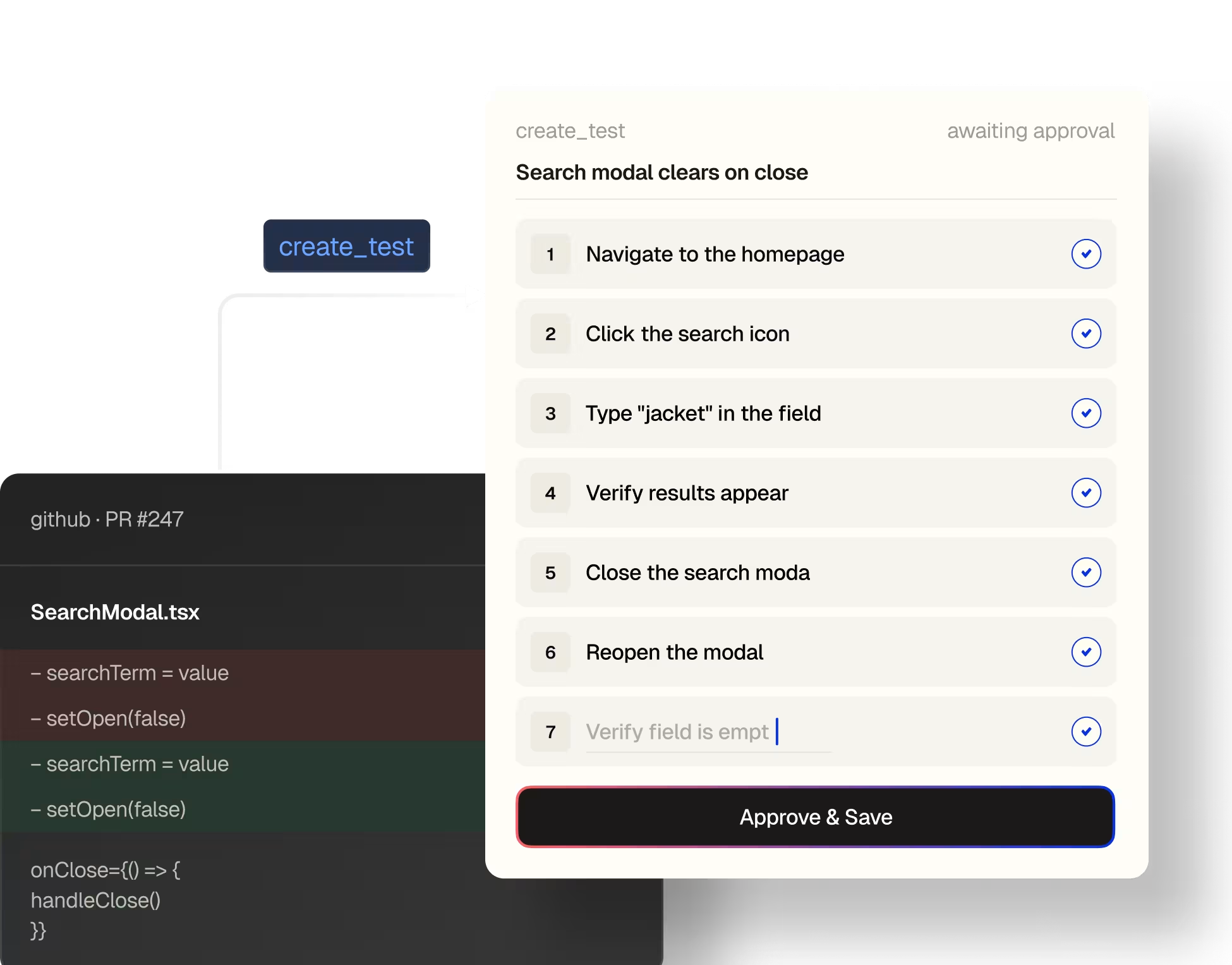
From a PR description to a passing test.

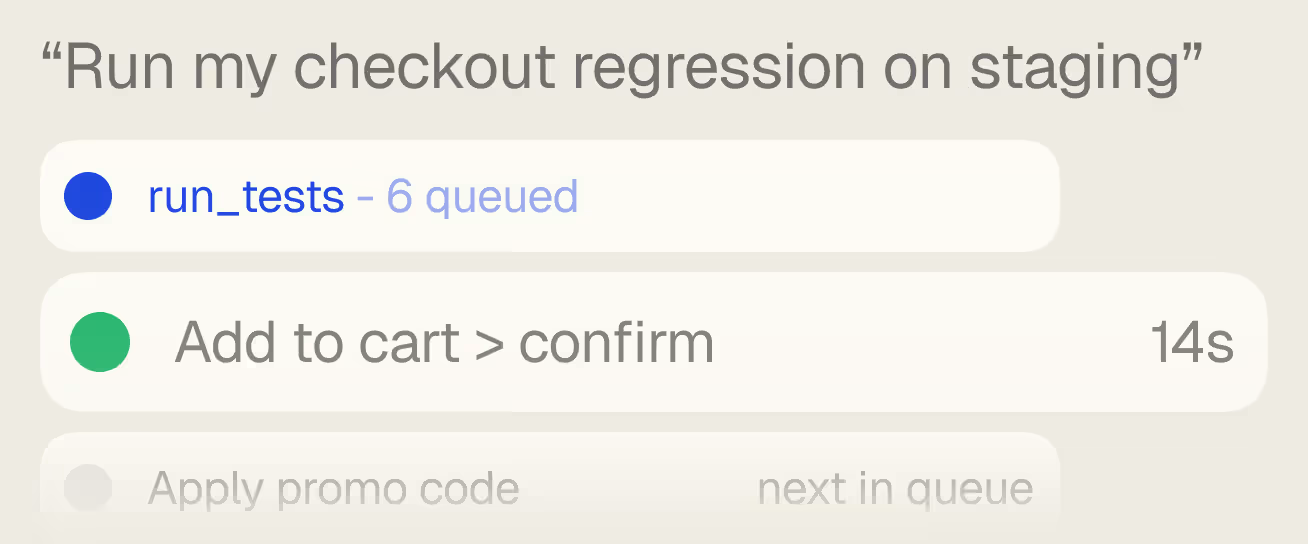
Run regressions from chat.
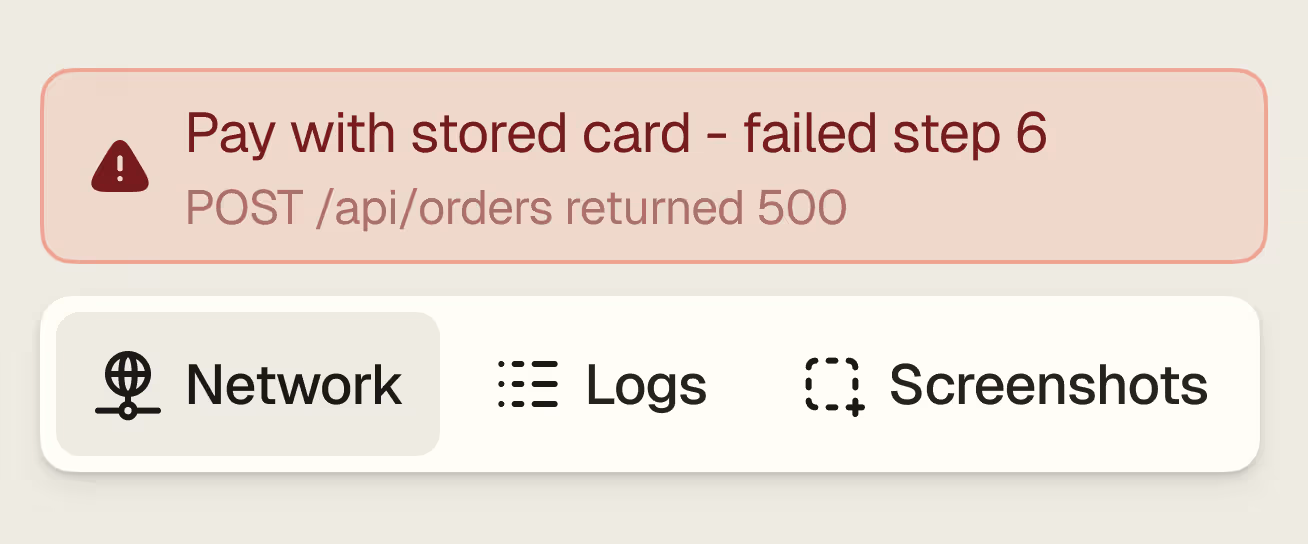
Logs, network, screenshots.
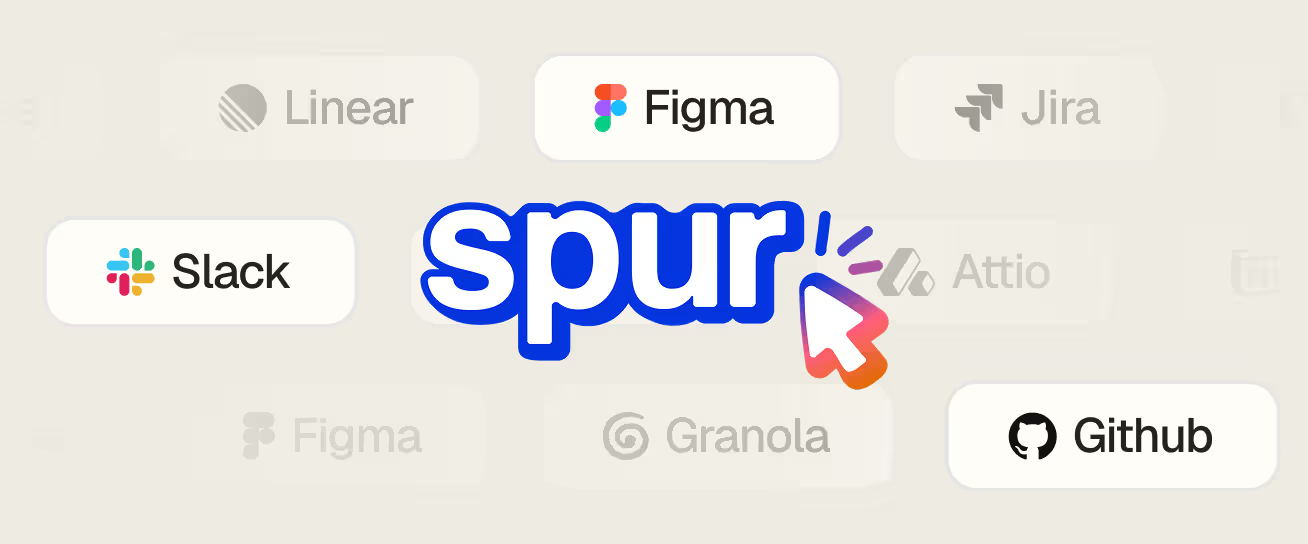
Context from where work lives.
Tests ship
with your code.

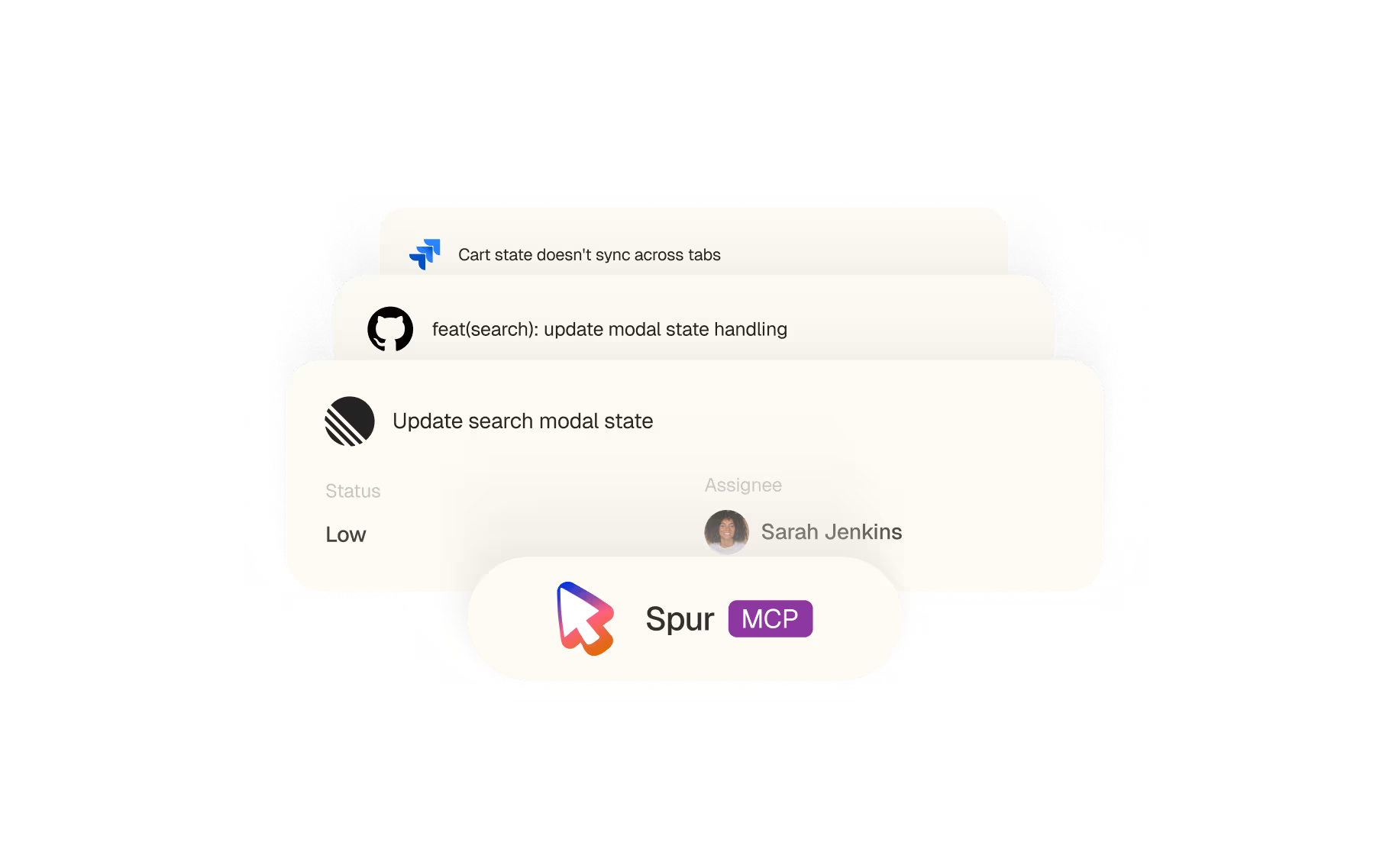
A PR, a ticket, a commit.
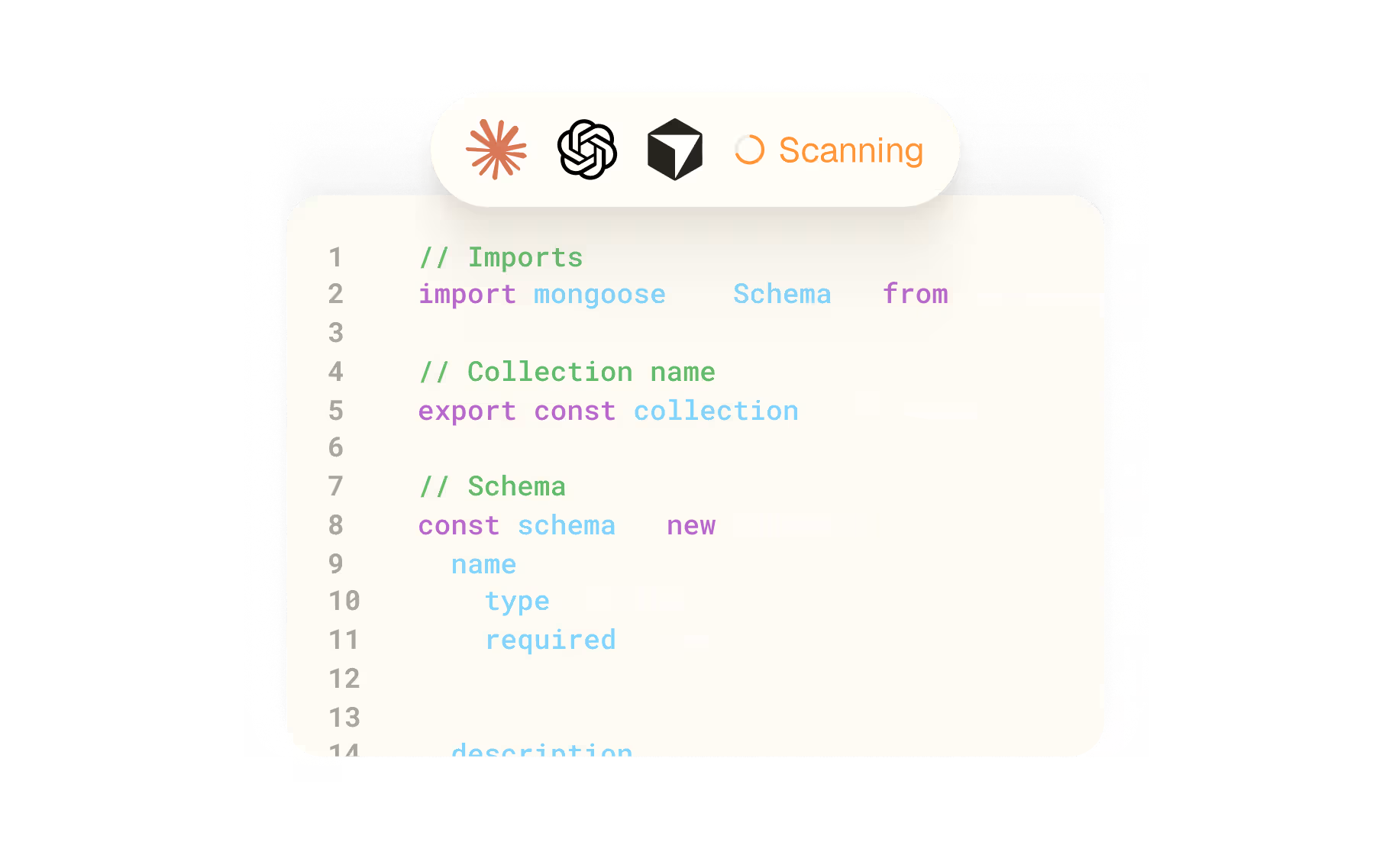
The whole codebase.
Not just the diff.
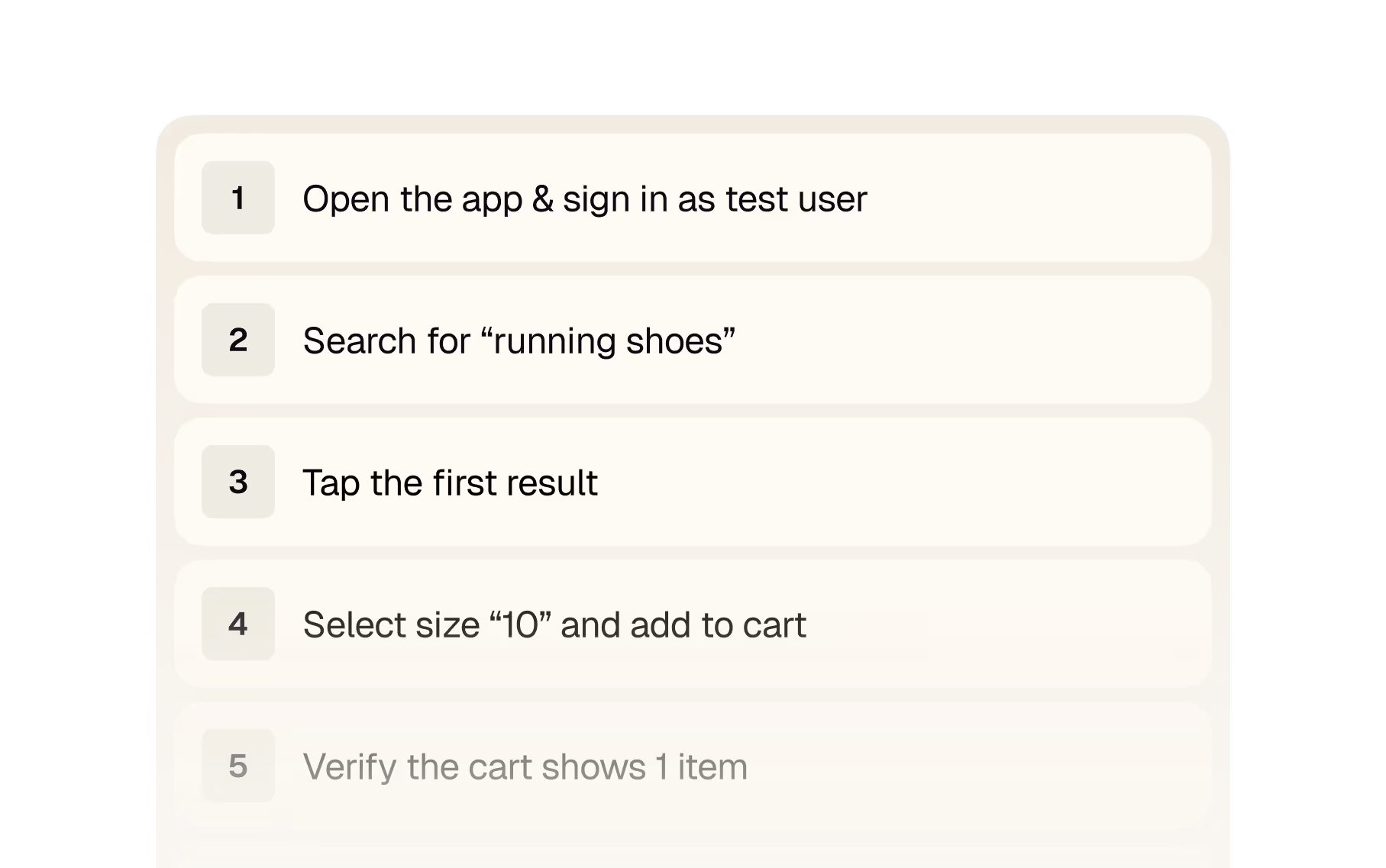
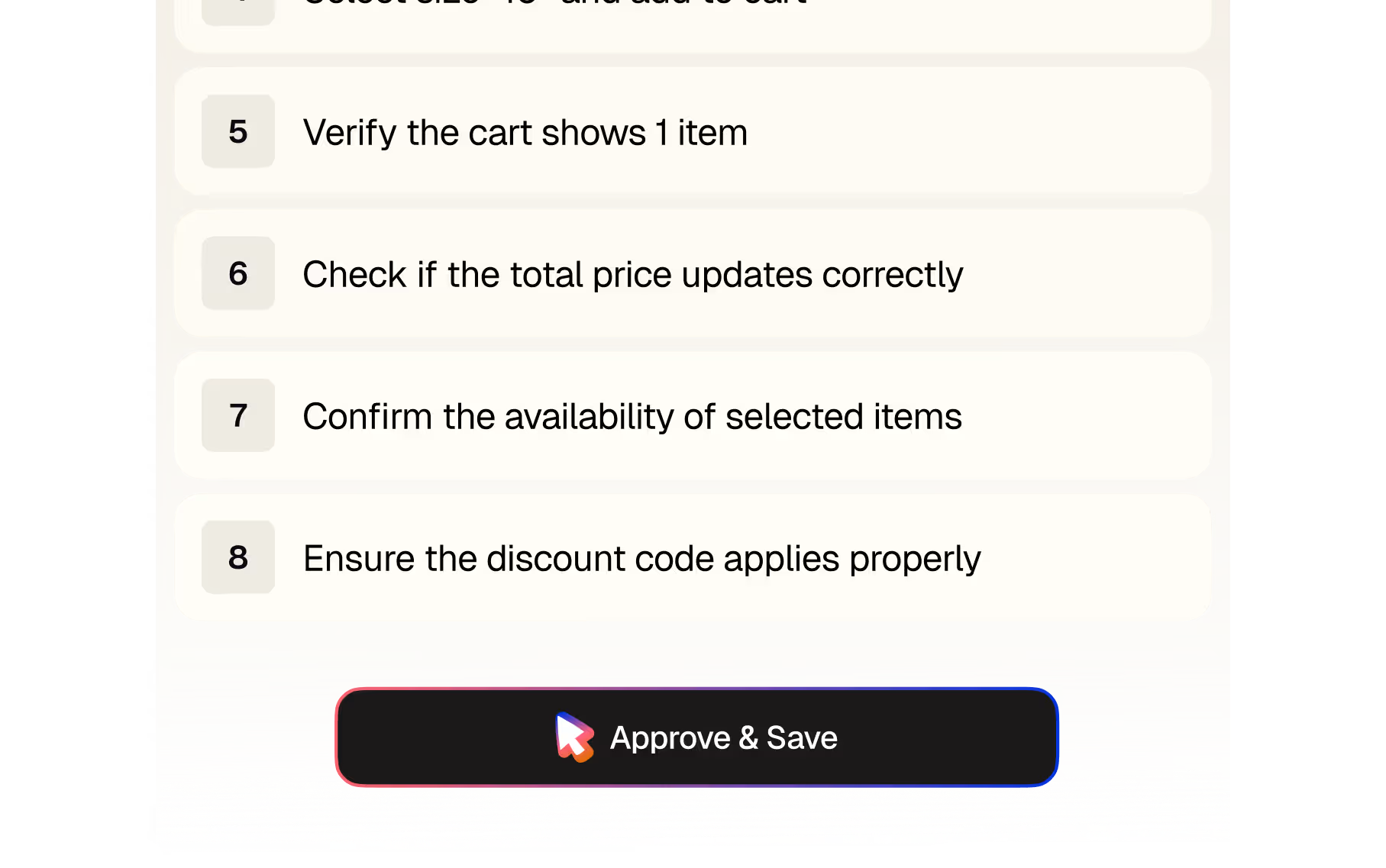
Plain-English steps.
Saved to Spur, with approval.
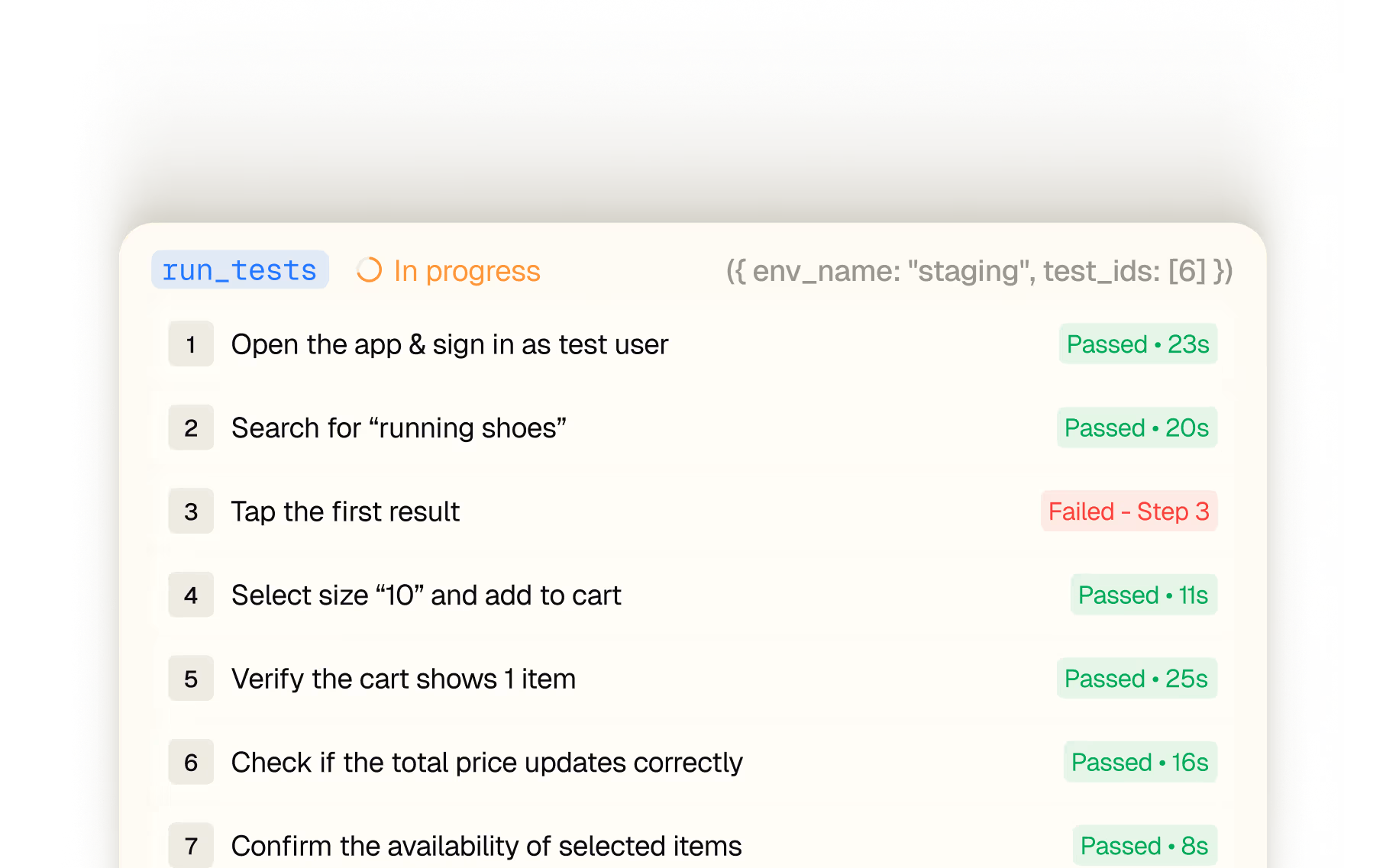
Triggered from your editor. Run in Spur's cloud.
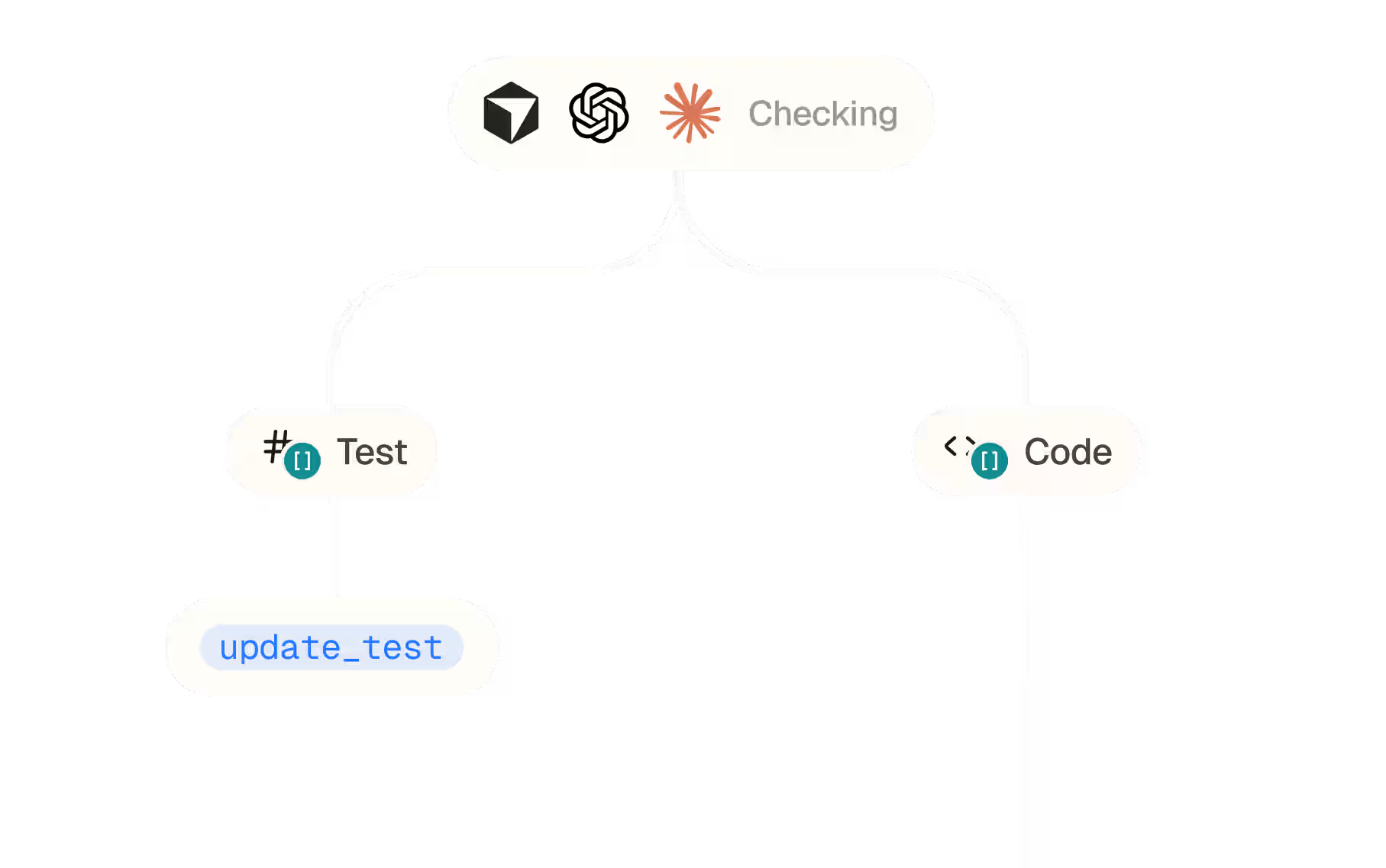
Red test? It routes the fix.


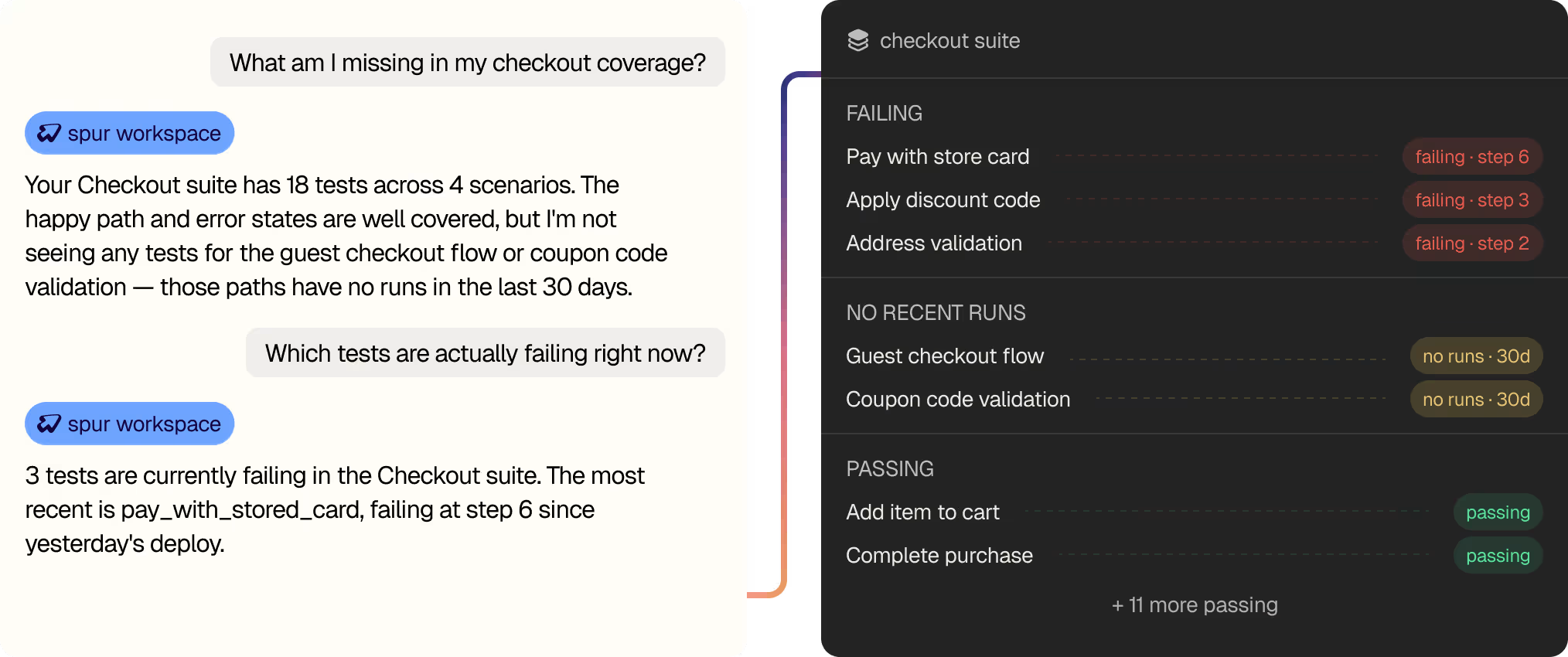
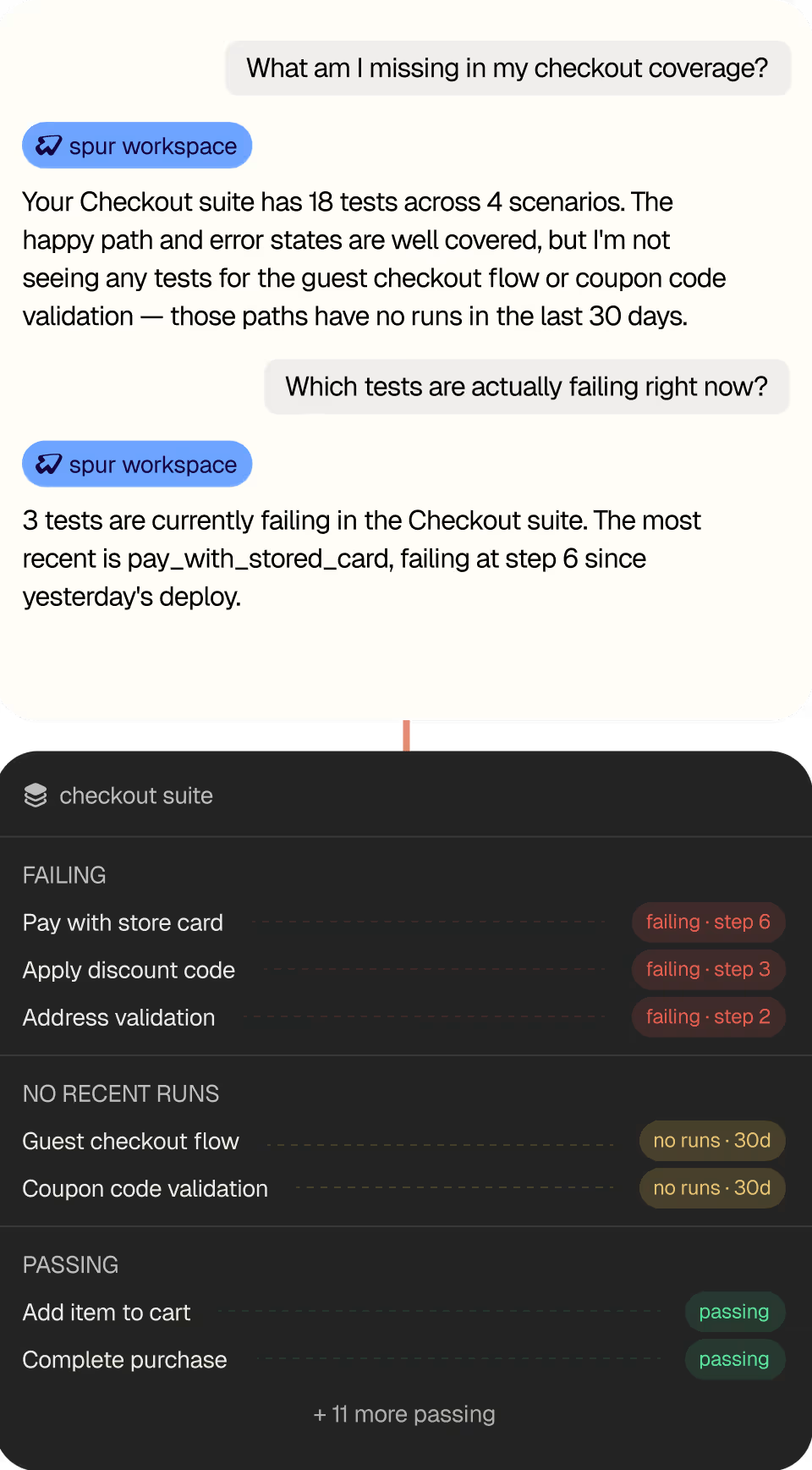
Read your own
test coverage.

Two minutes.
One JSON file.

{
"mcpServers": {
"spur": {
"url": "https://mcp.spurtest.com/sse",
"transport": "sse"
}
}
} // OAuth opens on first run · scoped to your workspace

{
"mcpServers": {
"spur": {
"url": "https://mcp.spurtest.com/sse",
"transport": "sse"
}
}
} // OAuth opens on first run · scoped to your workspace
{
"mcpServers": {
"spur": {
"url": "https://mcp.spurtest.com/sse",
}
}
} // OAuth opens on first run · scoped to your workspace

{
"name": "spur",
"url": "https://mcp.spurtest.com/sse",
} // Add via Settings → Connectors · OAuth on connect

{
"servers": {
"spur": {
"type": "http",
"url": "https://mcp.spurtest.com/sse",
}
}
} // OAuth opens on first run · scoped to your workspace

Testimonials
FAQ
Did we miss a question?
Email us directly
Getting Started
What do I need to connect Spur MCP?
A Spur workspace and a client that speaks MCP, Cursor, Claude Code, Claude Desktop, ChatGPT, or VS Code with Copilot. Add one block to your client's config file, restart, and OAuth opens on first connect. No API keys to paste, no separate dashboard.
Do I need an existing Spur test suite to get value from this?
No. If you already have tests, the MCP exposes them immediately, ask what covers a given flow and get a real answer. If you're starting from zero, point your agent at a PR and it'll draft your first tests from the diff.
Which clients does it work with?
Any MCP-compatible client. We publish ready-to-paste configs for Cursor, Claude Code, Claude Desktop, ChatGPT, and VS Code Copilot. The config differs slightly per client, VS Code uses servers instead of mcpServers and needs an explicit type, so copy the one for your client rather than adapting another.
How long before it's actually useful?
Setup is a two-minute config edit. After that it depends on your suite: reading existing coverage works immediately, and generating your first test from a PR takes about as long as the agent needs to read the diff.
How It Works
What can the agent actually do?
Read your workspace, suites, tests, scenarios, run history, and act on it: generate tests from a diff, run them, and update them. Read-only calls auto-approve. Anything that writes asks you first.
Does it read my whole codebase or just the diff?
The whole thing, when it helps. A diff tells you what changed; the surrounding files, related state, and existing coverage tell you what that change affects. That's where the edge cases come from.
Where do tests actually run?
On Spur's hosted infrastructure - real browsers and simulators in the cloud. You trigger runs and read results without leaving your editor.
What do I get back when something fails?
Logs, network activity, and screenshots, one tool call away. Enough for the agent to tell you whether it's a test problem or a real bug instead of handing you a red X.
Can it tell what changed in Jira or Linear, not just GitHub?
Yes. Pair Spur with GitHub, Jira, Linear, or Slack and the agent matches changes to the tests that cover them. Any source of "what changed" works.
Trust and Permissions
Can it change or delete my tests without asking?
No. Every write, creating a test, updating one, requires your approval in the client. Read-only calls run without a prompt so the loop stays fast, but nothing modifies your workspace silently.
What does OAuth actually grant access to?
Your Spur workspace, scoped to your account. The connection doesn't reach beyond it.
Does my source code leave my machine?
[Needs a real answer from engineering, this is the single most important question a developer will ask, and it deserves a specific one rather than a reassuring one. What's sent to the MCP, what's retained, for how long.] Full details in our Security Protocol.
What if I don't want an agent touching production?
Tests run against the environment you point them at. The agent picks the env when it runs a suite, and you can restrict which environments a workspace can reach.
For Teams and Managers
My developers would set this up, what do I need to know?
That it doesn't add a tool anyone has to learn. Your engineers already work in Cursor or Claude Code; this gives that assistant access to your test suite. There's no new dashboard to adopt and no separate QA workflow to maintain.
Does this replace our QA team?
No, it moves QA earlier. Tests get written while the code is being written, instead of after handoff. Teams using Spur redirect QA effort toward exploratory and edge-case work rather than cutting headcount.
Can we use the MCP and the Spur app together?
Yes. It's the same workspace either way. Tests created through the MCP appear in Spur, and tests written in Spur are readable by the agent.
Stop leaving your
editor to run QA.
Connect Spur MCP to your AI assistant
to generate, run, and triage tests.