
Bug book
Real production bugs that have been detected by Spur for our clients

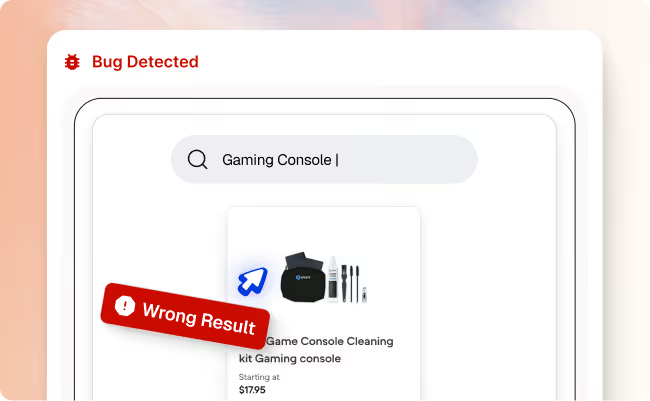

Search results for “gaming console” show accessories instead of consoles
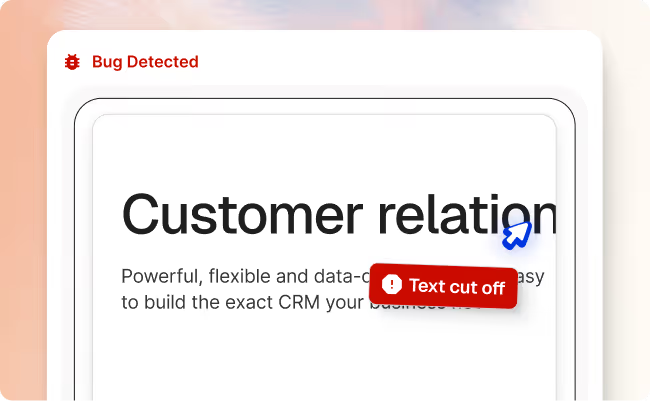

Multiple UI/UX inconsistencies on international pricing page
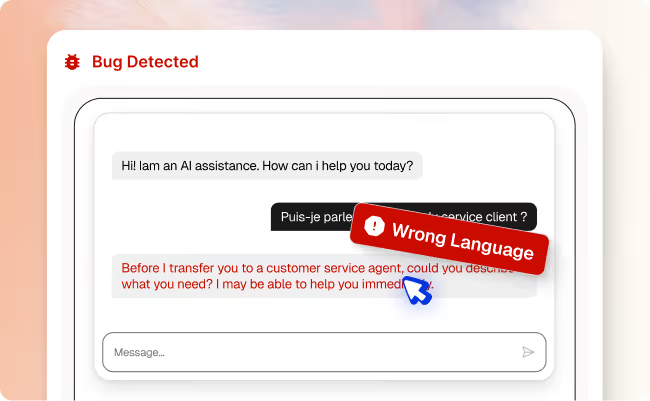

AI chat responds in English instead of French
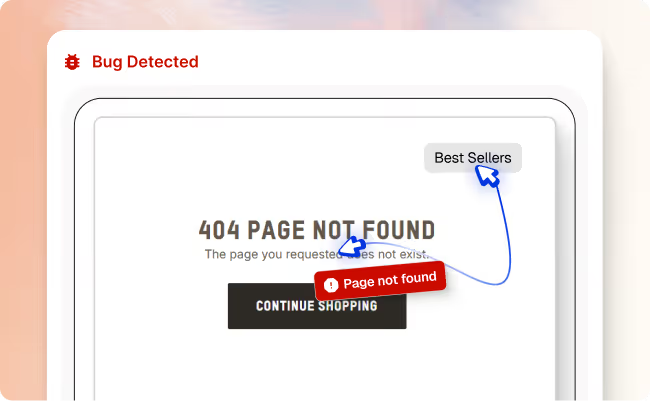

“Best Sellers” link in header leads to a 404 page
FAQ
Did we miss a question?
Email us directly
Onboarding with Spur is extremely simple. Since we do not need access to your codebase, you can start by providing a public URL and begin writing your first test right away.
We usually onboard customers in two quick steps: first, you book a call so we can understand your product and testing goals, then we do a follow-up onboarding session where we set up your Spur workspace and help you create your first tests.
No! Spur is a no-code testing platform, so you write all your tests in plain English instead of code. Anyone on your team (PMs, QAs, engineers, or CTOs) can create and maintain tests in Spur using natural language descriptions of the flows you want to cover.
You can invite teammates to Spur from your team or workspace settings.
Open your team settings, click Invite (or “Invite team members”), enter their email address, choose a role, and send the invite. They’ll get an email to create their account and will appear in your team list once they accept.
Spur's testing agents visit your site to run automated tests, so their activity can appear in your analytics alongside real visitors. To keep your data clean, you can exclude them by filtering out Spur's User-Agent or our static outbound IP addresses in your analytics tool. Reach out to our team and we'll share the exact User-Agent and IP list so you can flag our traffic as ignored.
We are hands-on with all of our customers. We will have a dedicated slack connect channels, unlimited test creation support as well as test management support for some of our plans.
Yes, you can follow step‑by‑step guides in our docs to write your first tests, and many teams also get a guided onboarding during their pilot.
Spur currently supports CI/CD integration through GitHub Actions. You can run Spur tests as part of your GitHub workflows (for example, on each pull request) and use status checks to block merges when tests fail, using GitHub’s branch protection rules.

Schedule a Demo
We invite you to try us out with our new Pilot Program