

Spur found that favorited items were vanishing before shoppers could come back to them

What this run
has verified.

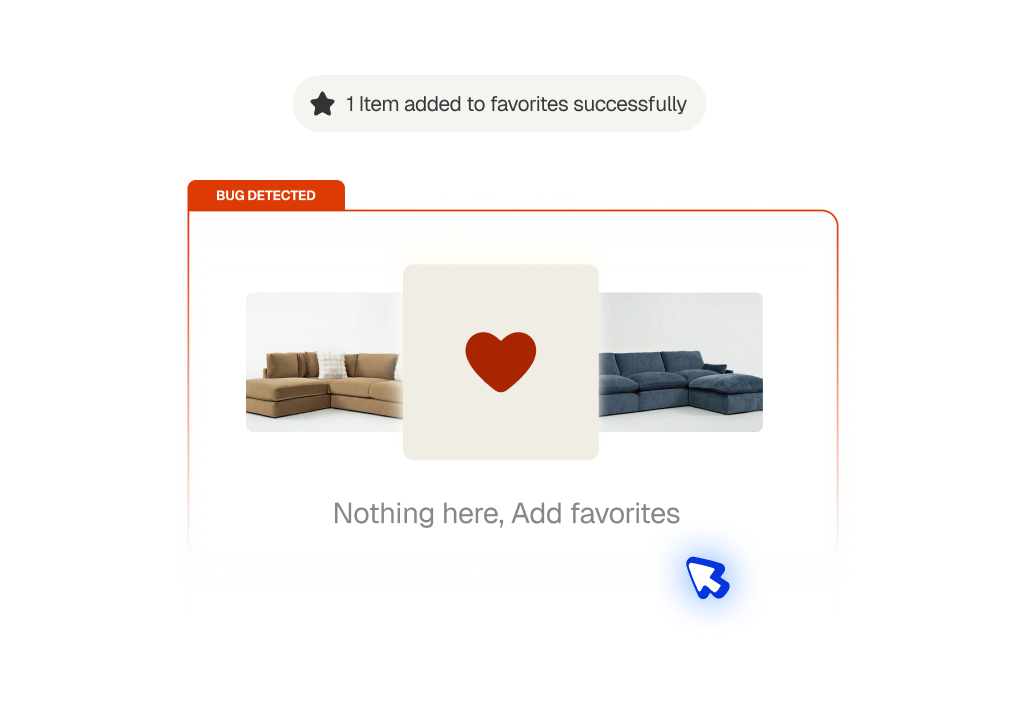
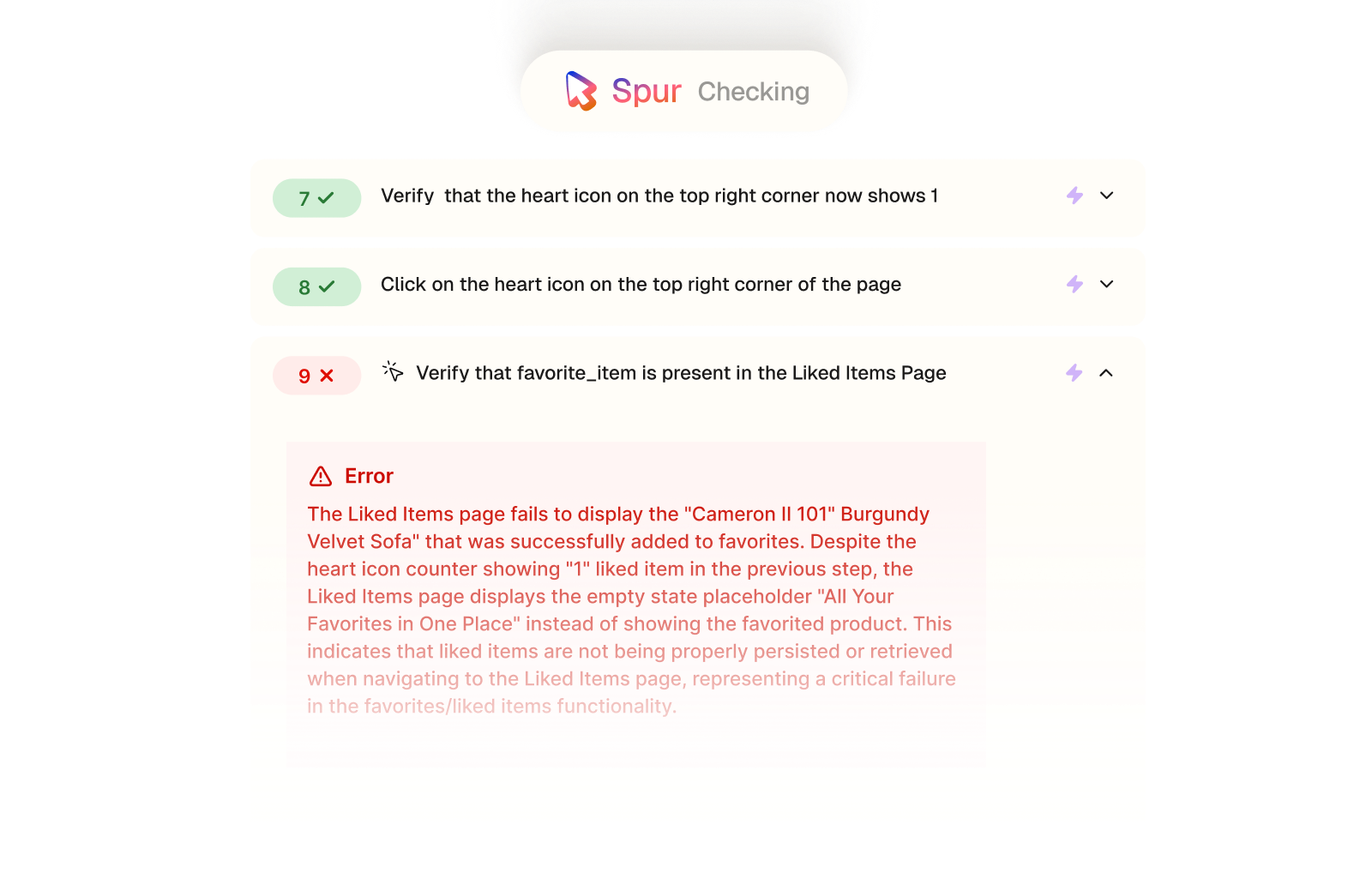
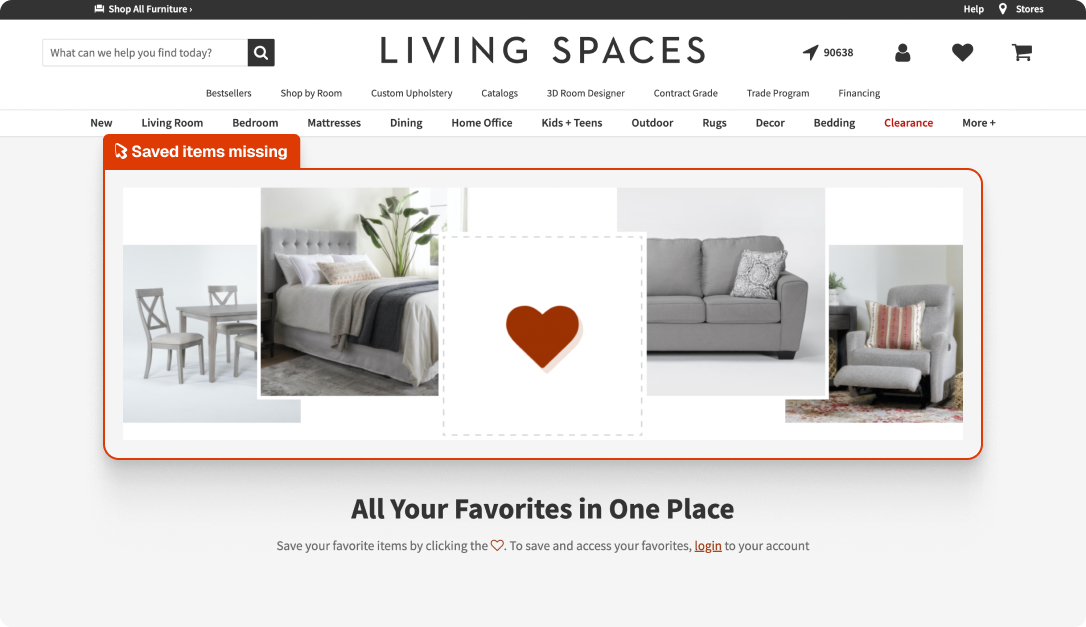
Spur's Functional Testing agent browsed a furniture site, favorited a product, confirmed the heart icon counter updated, then navigated to the Liked Items page to verify it appeared. The page showed the empty state placeholder instead.
Save reliability
Favorited items persisting correctly after the user navigates away.
Data persistence
The like action writing successfully to the user's saved items list.
Return journey
Shoppers finding the items they saved when they come back.
UI accuracy
The heart icon counter reflecting the actual state of the favorites list.
Compare
The customer's live site,

captured by

Spur
during the run.

Verify that the liked item is in the favorites page

What this
one catch saved.
6hrs
Dev time saved
Shipped, this is a tricky one: the heart icon and counter work fine, so the bug sits somewhere in the persistence or retrieval layer, tracking that down and confirming the fix works across sessions takes real time.
Lost
Customer trust
Shoppers who save items to come back to are among the most likely to convert. A favorites list that silently empties means those return visits start from scratch or don't happen at all.
3hrs
Manual QA time
Catching this manually means going through the full favorites flow: adding, navigating away, checking the page and noticing that the confirmed save didn't actually stick.
The actual test
in

Broken save
A 12-step functional test of a furniture site's favorites flow. Spur confirmed the empty state, favorited an item, verified the counter updated, then checked the Liked Items page. It also tested unliking and confirmed the empty state returned after a refresh. Eight steps passed, the core save-and-retrieve flow didn't.
Click on Liked
Verify that there is a placeholder text that says [All Your Favorites in One place]
Hover over Living Room
Click on one of the Options
Click the heart icon for the first item to favorite it and verify the heart icon is now filled
Extract {favorite_item}
Verify that the heart icon on the top right corner now shows 1
Click on the heart icon on the top right corner of the page
Verify that {favorite_item} is present in the Liked Items Page
Item missing from the page
Click on the heart icon in the product card to unlike the favorited item, and verify that the heart is unfilled. The item should still be displayed, but just with the heart icon unfilled. Proceed to the next steps as long as the heart icon is unfilled. (It can have a colored outline of the heart displayed still)
Refresh page
Check that the liked item list is empty and there is a placeholder text that says [All Your Favorites In One Place]

.avif)
Checkout

.avif)
UI/UX
.avif)
Pricing
Interactions
Checkout
UI/UX
AI Feature Error