

Spur caught Wander's checkout showing guests $250 less than the actual booking total

What this run
has verified.

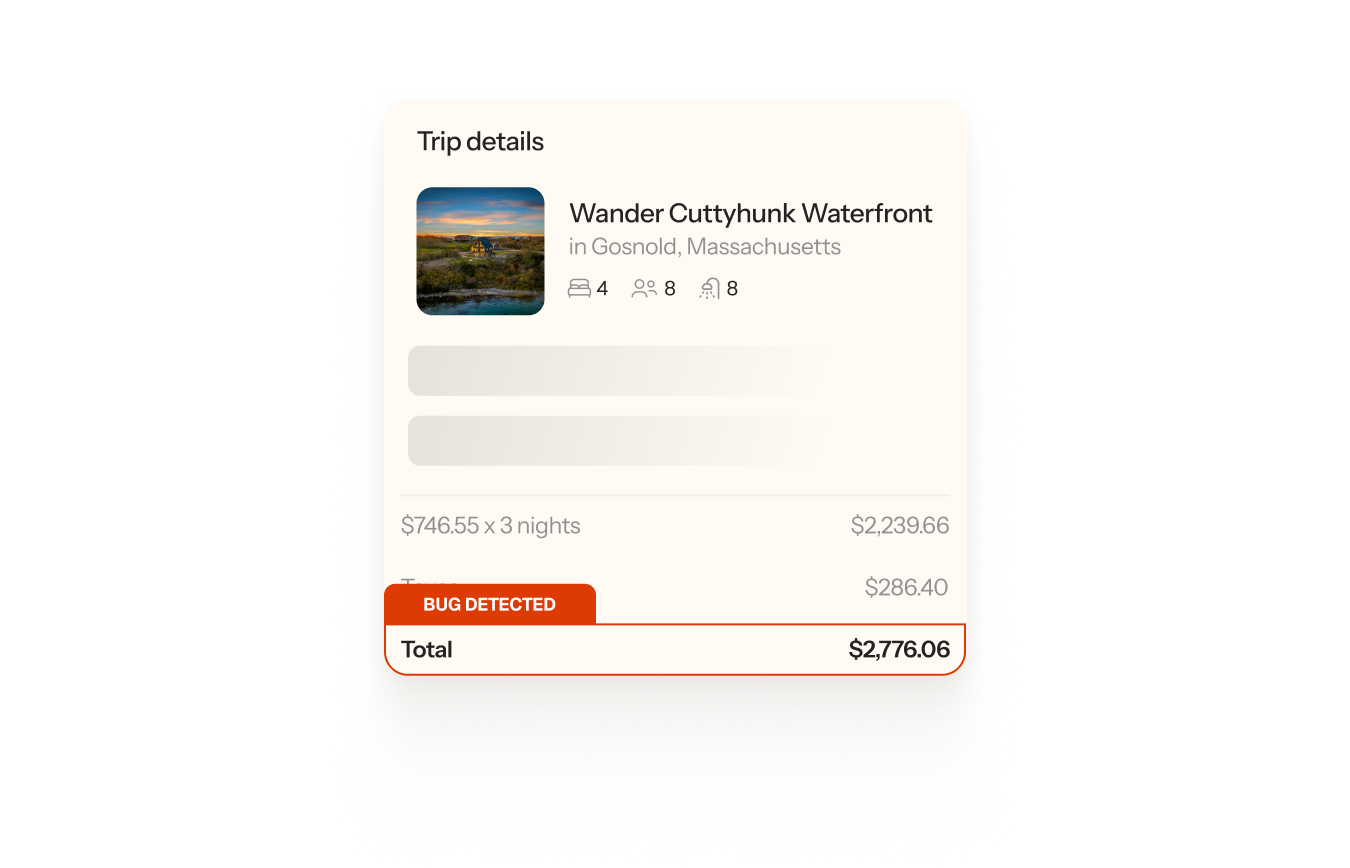
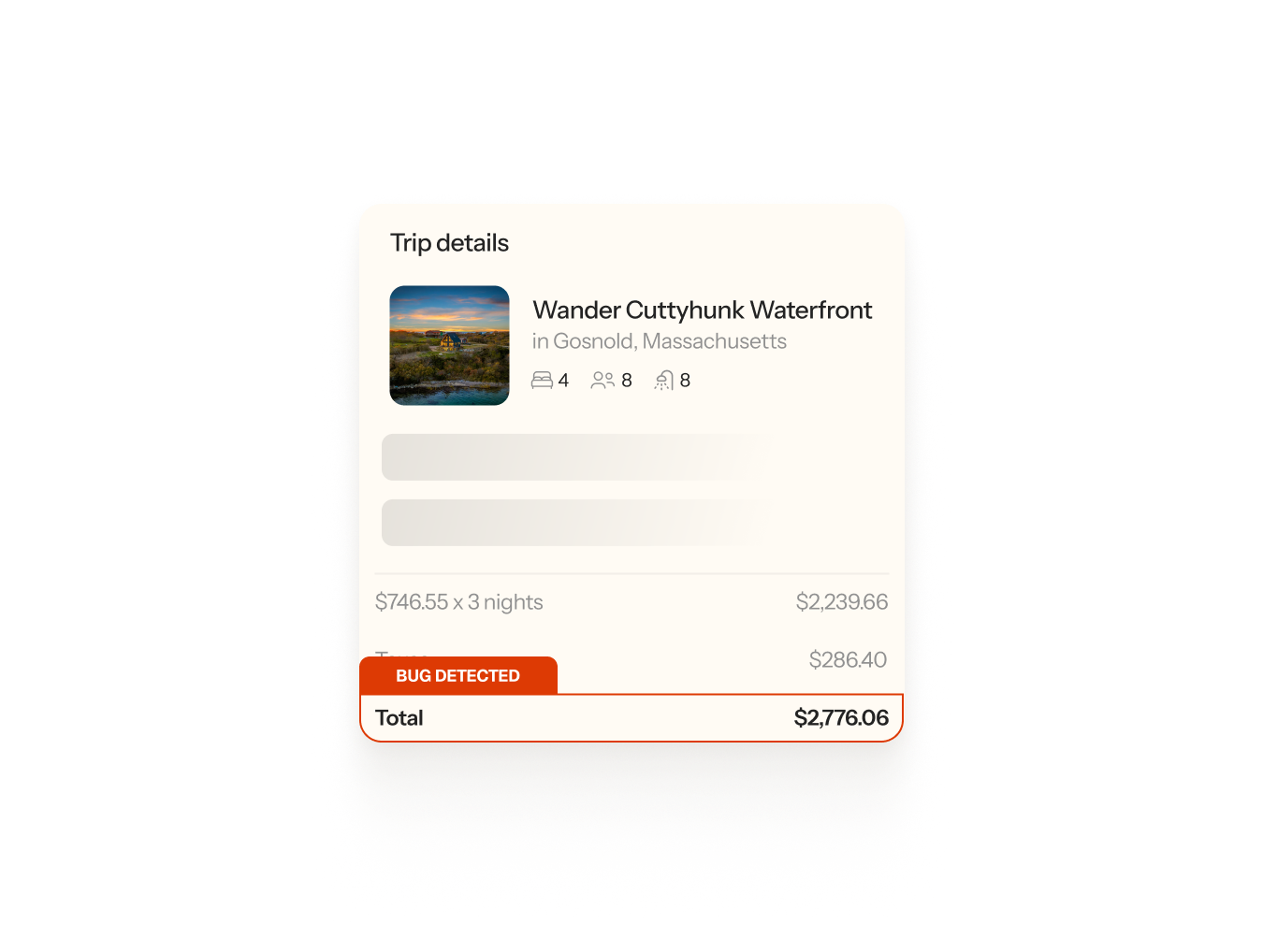
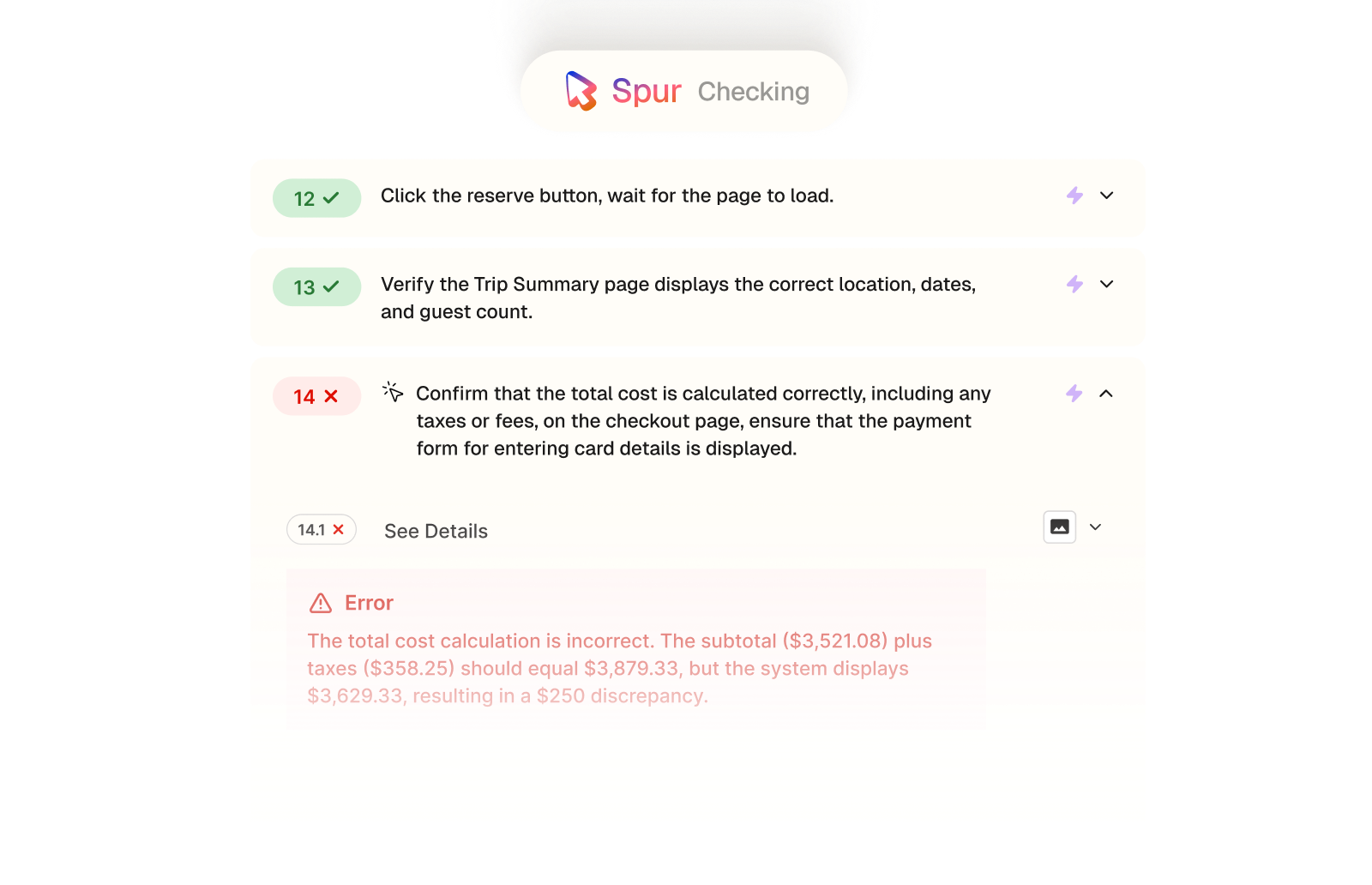
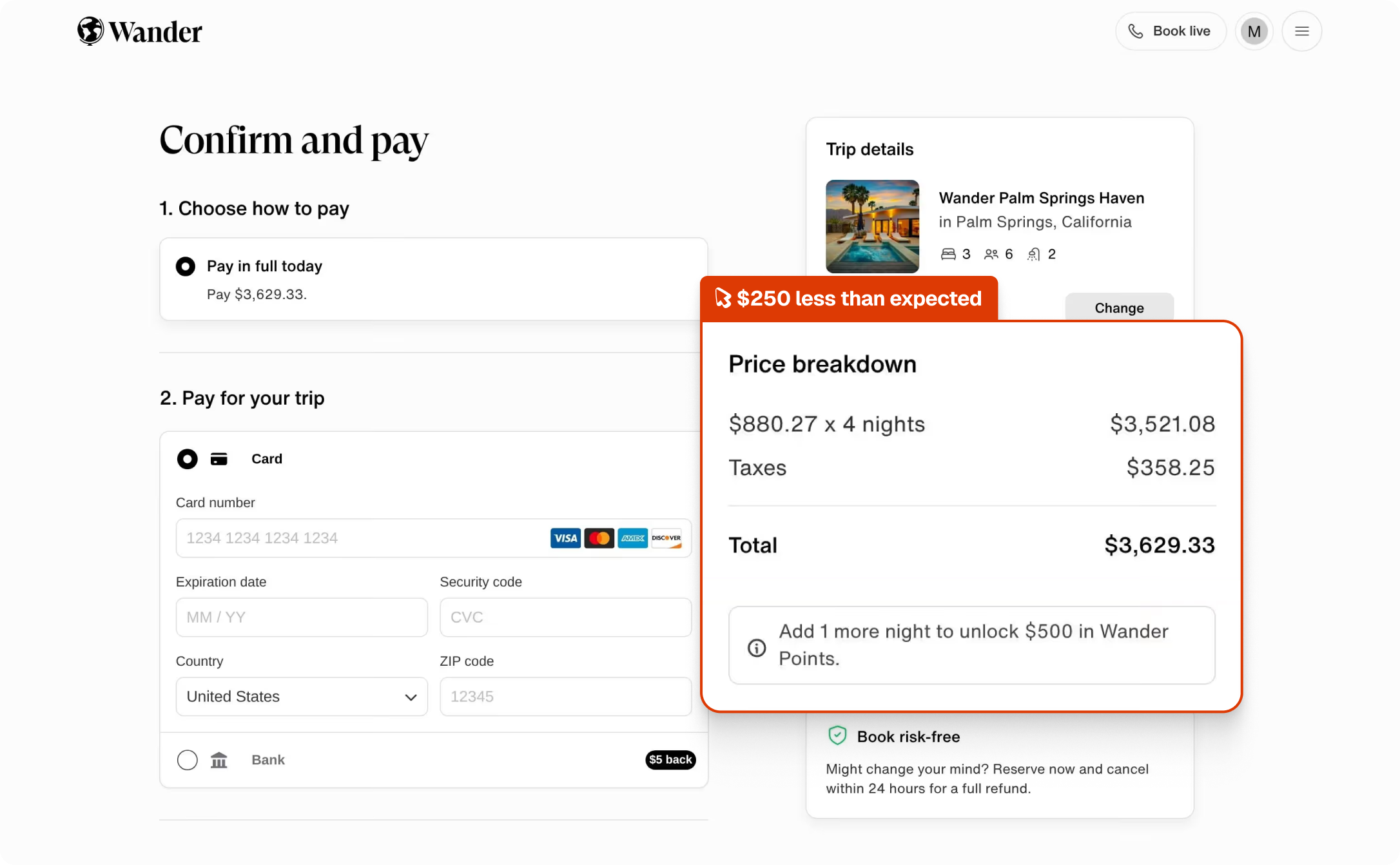
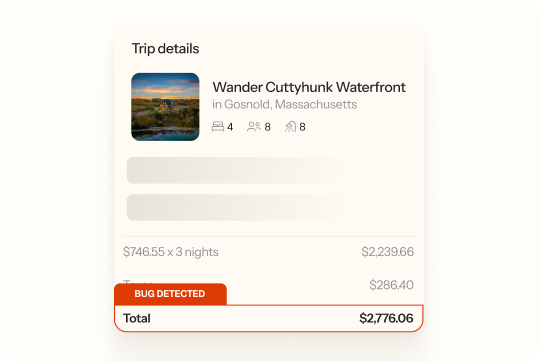
Spur's Functional Testing agent searched for a property on Wander, selected dates, verified the trip summary, and then checked whether the total at checkout matched the sum of the subtotal and taxes. It didn't, there was a $250 discrepancy.
Pricing accuracy
The checkout total matching the sum of the subtotal and taxes.
Financial integrity
No unexplained gaps between itemised costs and the final charge.
Revenue accuracy
The correct amount being collected on every booking.
Guest trust
A checkout total that reflects what the guest agreed to pay.
Compare
The customer's live site,

captured by

Spur
during the run.

Confirm that the total cost is calculated correctly, including any taxes or fees, on the checkout

What this
one catch saved.
8hrs
Dev time saved
Shipped, a pricing discrepancy this specific takes real digging, someone has to work out whether the $250 gap is a consistent offset, a rounding error, or a fee being dropped from the total calculation.
$250
Per booking
Every booking that went through with this bug either undercharged the guest by $250 or set them up for a surprise on their statement. Both outcomes are expensive, one in lost revenue, the other in chargebacks and disputes.
6hrs
Manual QA time
Catching this manually means completing the full booking flow across multiple properties and dates, then doing the arithmetic on the checkout totals yourself to notice they don't add up.
The actual test
in

Incorrect values
A 14-step functional test of Wander's full booking flow. Spur searched by location, picked a property, confirmed dates and guest count carried through correctly, and verified the Trip Summary before checking the payment page total. Thirteen steps passed, the one that checked the maths didn't.
Start typing a location (either a U.S. state or city or a city in Mexico) in the search field and confirm that location suggestions are displayed as you type
Choose a location from the search suggestions and verify it's correctly displayed
Select a valid check-in and check-out date. Ensure the check-in date is not today, and that the stay is at least 4 nights. After selecting the check-in date, wait for it to be confirmed or locked in before proceeding to select the check-out date
(Optional Step) If desired, select the number of guests for the booking and ensure the guest count is displayed correctly
Click the search button to submit the query
Verify that the search results show valid properties for the selected location and dates
Verify that the results are properly divided into List and Map views
Randomly choose a property from the search results list and wait for the page to load
Verify the property details page opens correctly without errors
Verify that the selected check-in and check-out dates are prefilled in the property's calendar
Scroll down and check that the "Reserve" button appears after valid dates are shown in the Checkin and checkout input area
Click the reserve button, wait for the page to load
Verify the Trip Summary page displays the correct location, dates, and guest count
Confirm that the total cost is calculated correctly, including any taxes or fees, on the checkout page, ensure that the payment form for entering card details is displayed
$250 overpriced

.avif)
Checkout


.avif)
UI/UX
.avif)

Pricing

Interactions
Checkout
UI/UX
AI Feature Error