

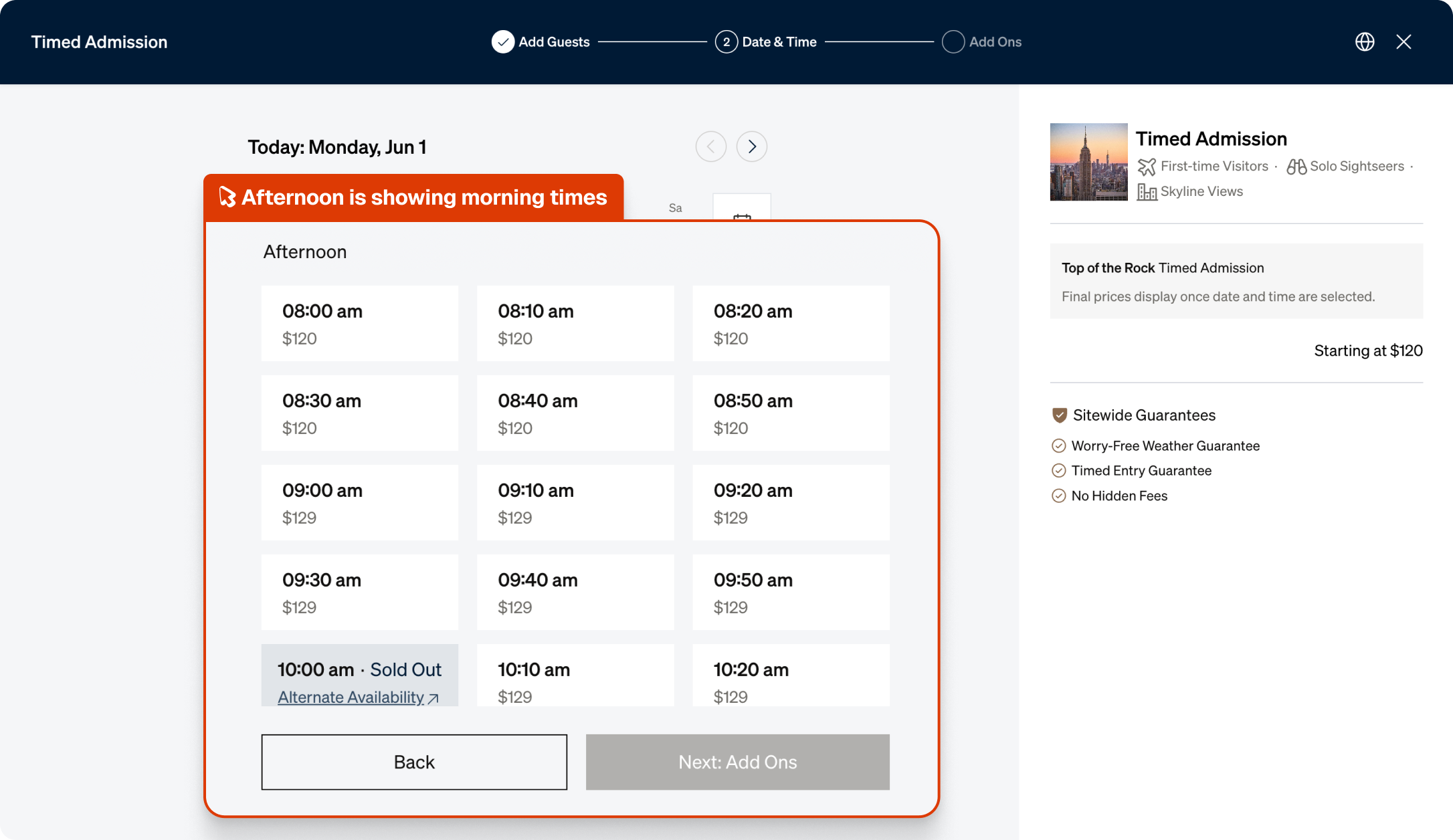
Spur found that clicking Afternoon the ticket booking kept showing morning times

What this run
has verified.

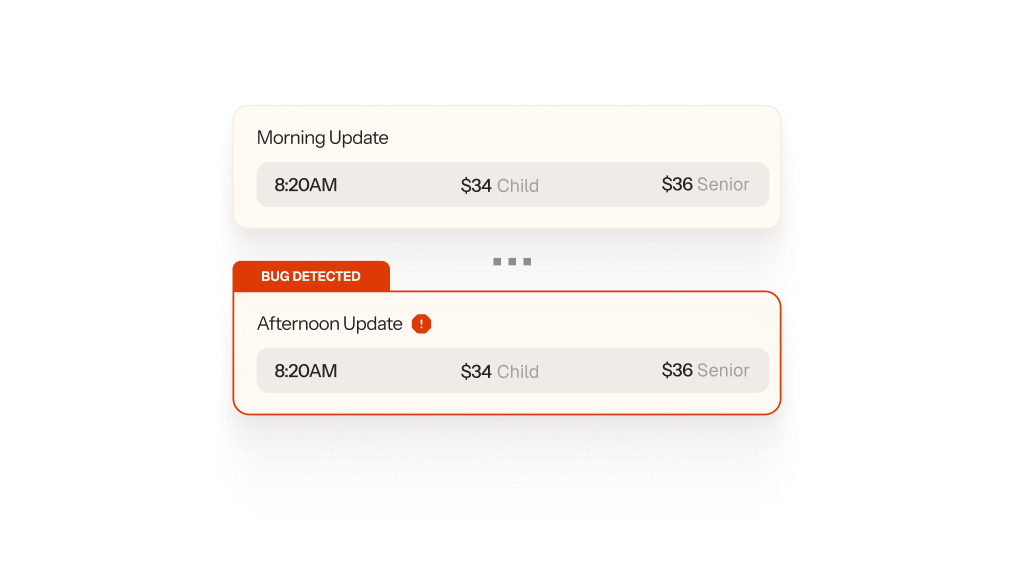
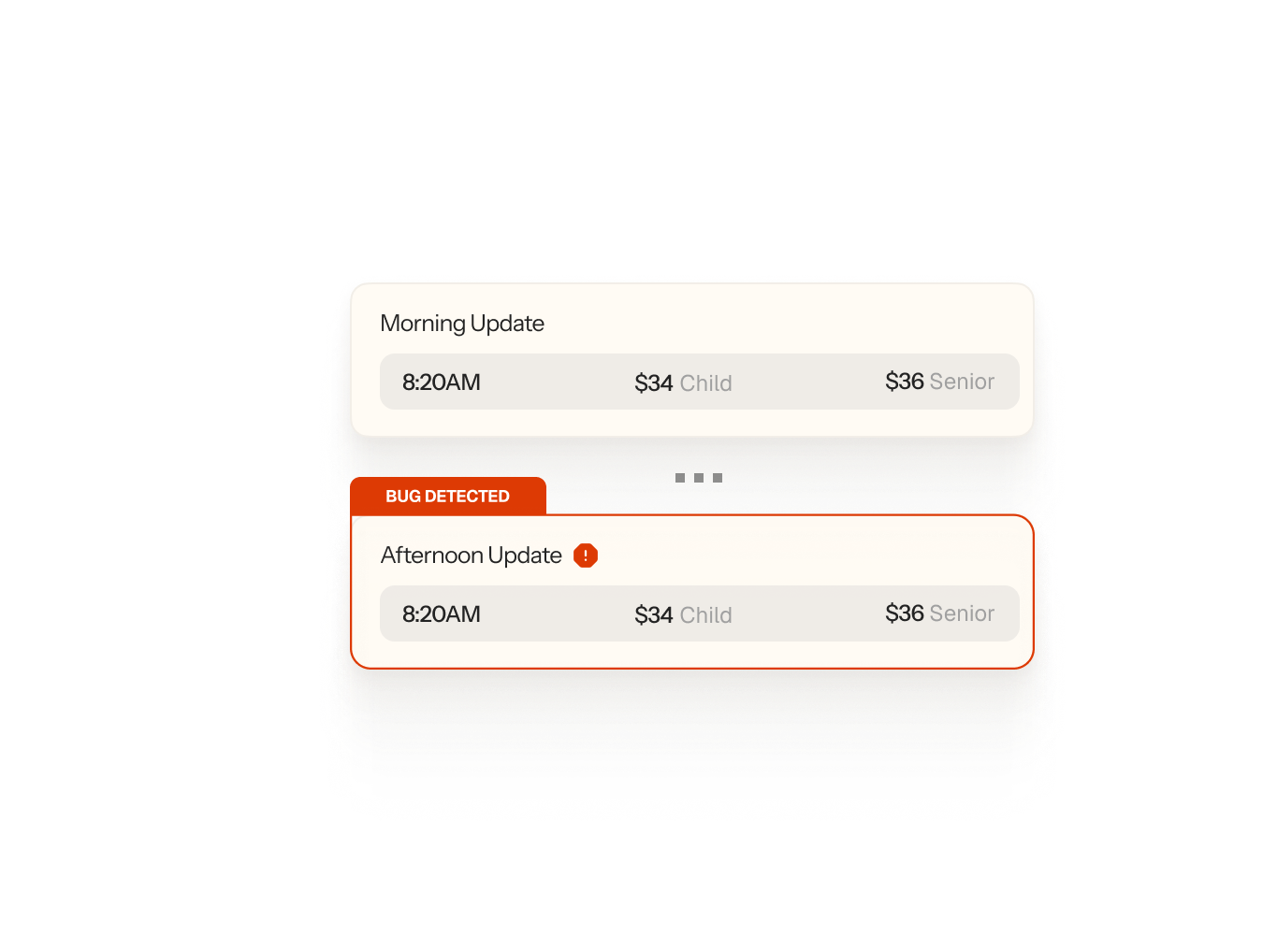
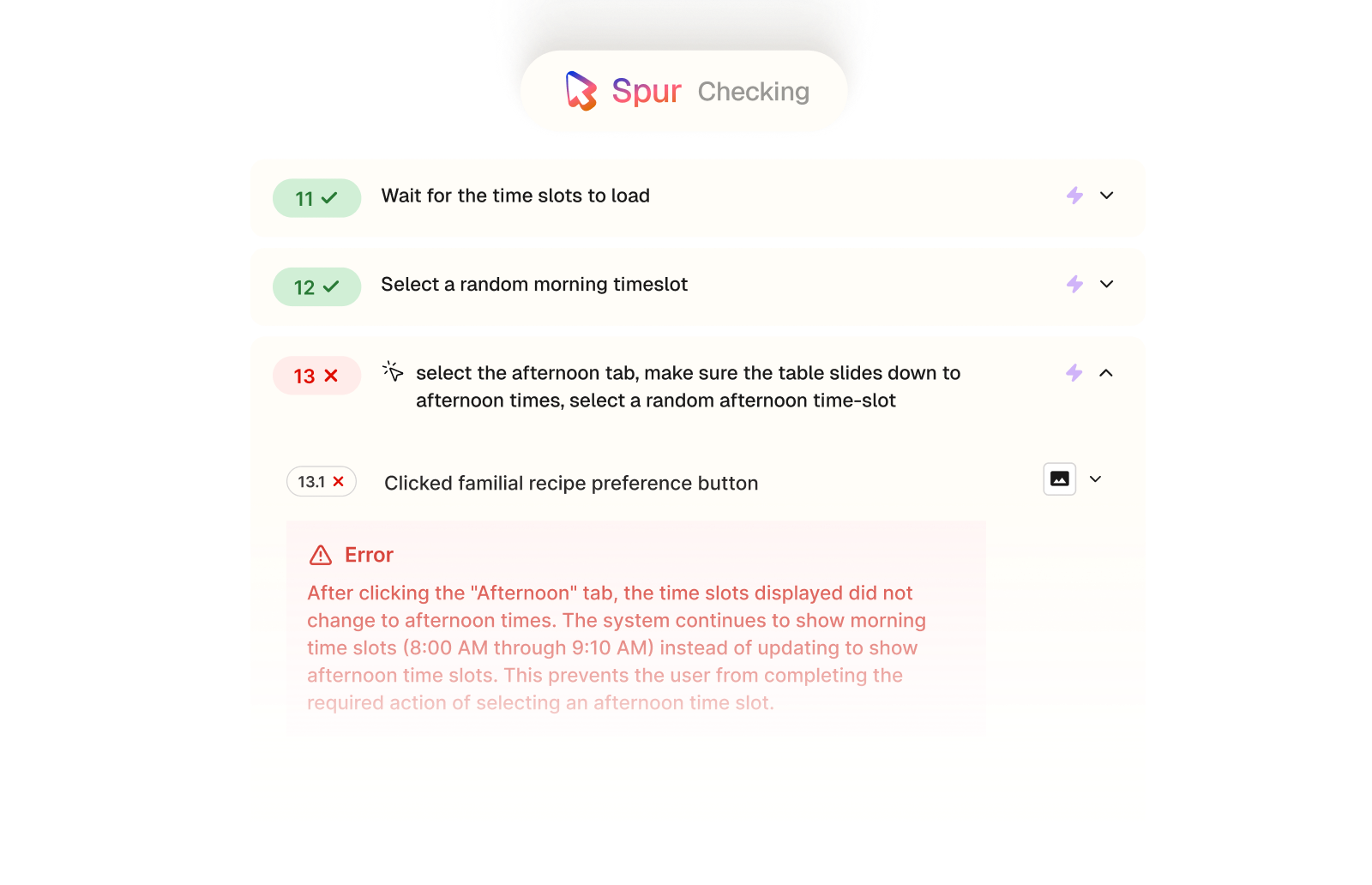
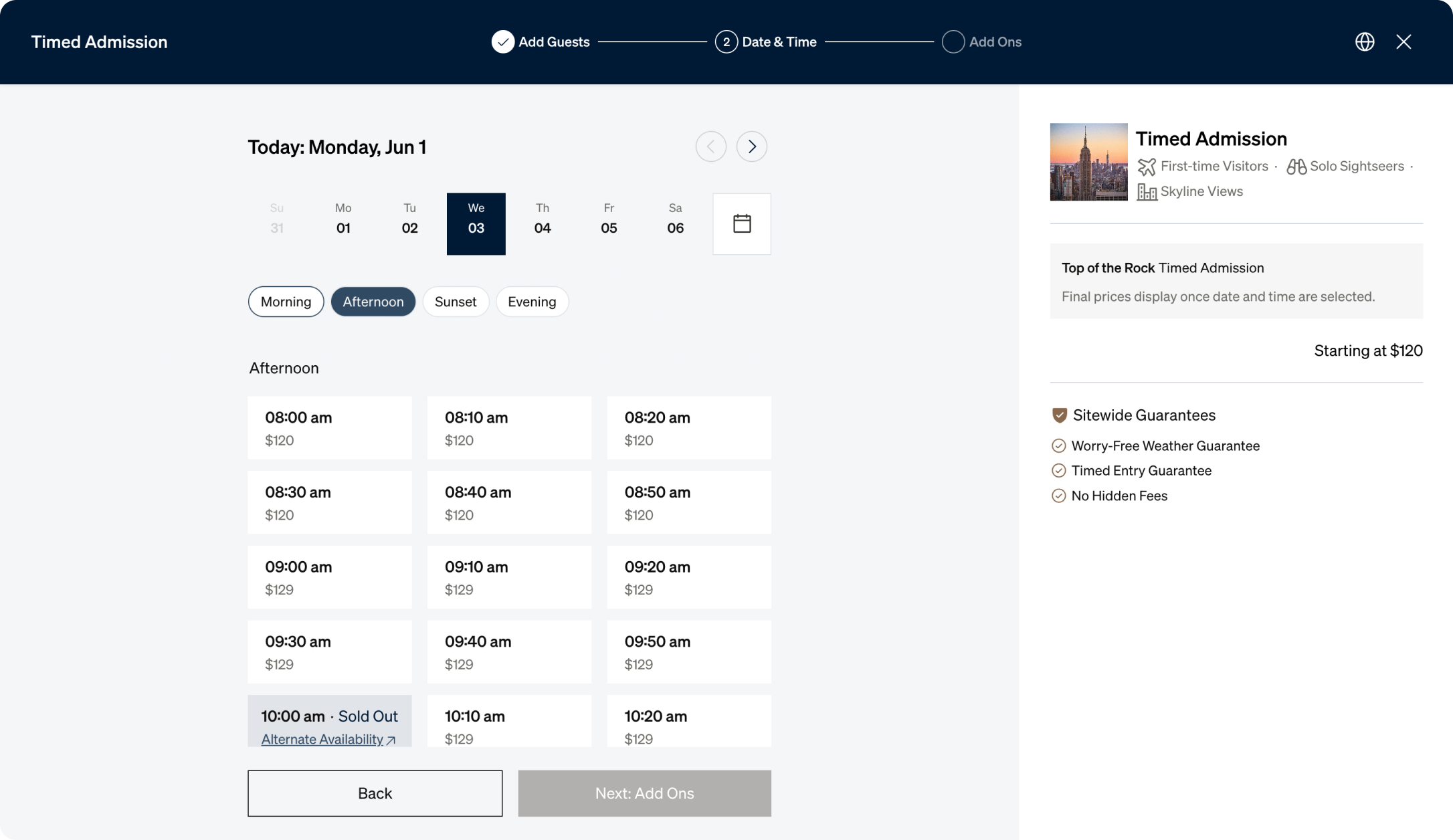
Spur's AI Feature Testing agent ran through Rockefeller Center's full ticket purchase flow, selected ticket quantities, picked a date, and tested each time-of-day tab. When it clicked Afternoon, the time slots didn't update, morning times stayed on screen.
Filter functionality
Time-of-day tabs updating the available slot display on click.
Booking accuracy
The correct time slots appearing for each selected period.
UI state management
Tab interactions triggering the expected content refresh.
Purchase flow
Visitors able to select their preferred time and proceed to checkout.
Compare
The customer's live site,

captured by

Spur
during the run.
Before
After

Select the afternoon tab, select a random time

What this
one catch saved.
6hrs
Dev time saved
Shipped, this is a JavaScript event handling issue that requires a dev to reproduce the specific tab interaction, trace why the state isn't refreshing on click, and confirm the fix works.
$400K+
Potential revenue lost
Afternoon is one of the busiest booking windows for Top of the Rock. Every visitor who hit this bug and couldn't select a time either booked a less preferred slot or dropped off entirely.
4hrs
Manual QA time
Catching this manually means going through the full ticket purchase flow, selecting a date, and specifically testing each time-of-day tab to verify the slots update.
The actual test
in

Incorrect values
A 19-step end-to-end purchase flow on Rockefeller Center's ticketing site. Spur selected ticket types, navigated the calendar, tested morning, afternoon, and evening time slots, then proceeded through a full checkout including payment details and order confirmation. It cleared 12 steps before hitting the broken afternoon tab.
Close any privacy policy or other popups that are on the homepage
Click buy tickets
If top of the rocks is not selected on the left, select it
Select buy tickets for general admission
Select a random amount of each type of ticket (adult, child, senior) up to 5 each
Ensure that the price displayed changes with each change of ticket amounts
Press continue
Close out of any popup requests to upgrade
Scroll down to the calendar, select a random calendar date
Move forward 1 month on the calendar, select another random date
Wait for the time slots to load
Select a random morning timeslot
Select the afternoon tab, make sure the table slides down to afternoon times, select a random afternoon time-slot
Not showing any afternoon times
Move to the eveneing tab, make sure the table slides down to afternoon times, select a random evening time-slot
Press checkout on the mini cart
Enter first name:"roman", last name "testing", email "roman@bighuman.com", mobile number "123456789", credit card number "4111111111111111", exp date:any date in future, security code "333", billing address "89 Main Street", city "New York", state "NY",zip code "89000", country "United States"
Accept terms and conditions
Click on confirm order, wait for the app
Confirm an order confirmation page

.avif)
Checkout


.avif)
UI/UX
.avif)

Pricing

Interactions
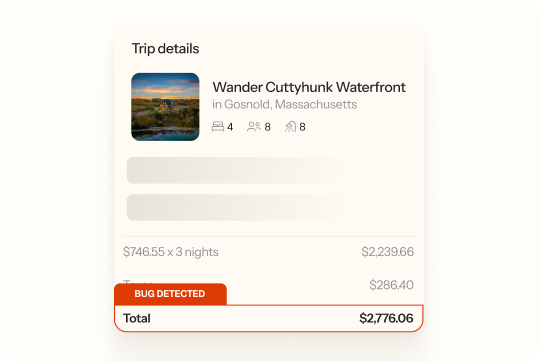
Checkout
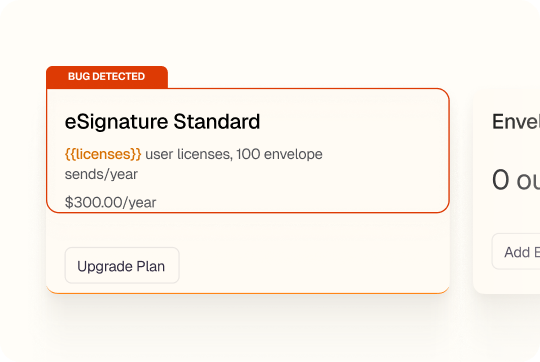
UI/UX
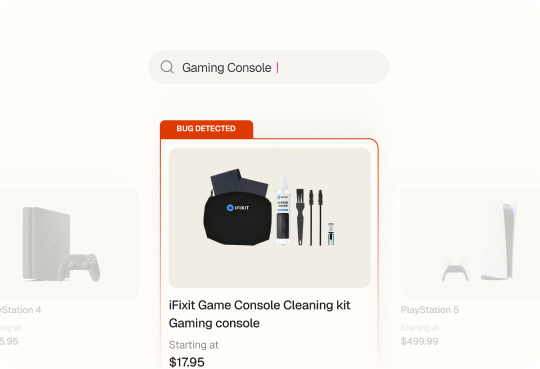
AI Feature Error