

Afternoon time slots don’t appear when selected
Type of Test
Checkout
Interactions
Agents used

Bug Impact Potential
High - Blocks users from completing ticket purchase for afternoon time slots. This directly impacts revenue for one of the most popular time periods at Top of the Rock, causing potential loss of sales and customer frustration.
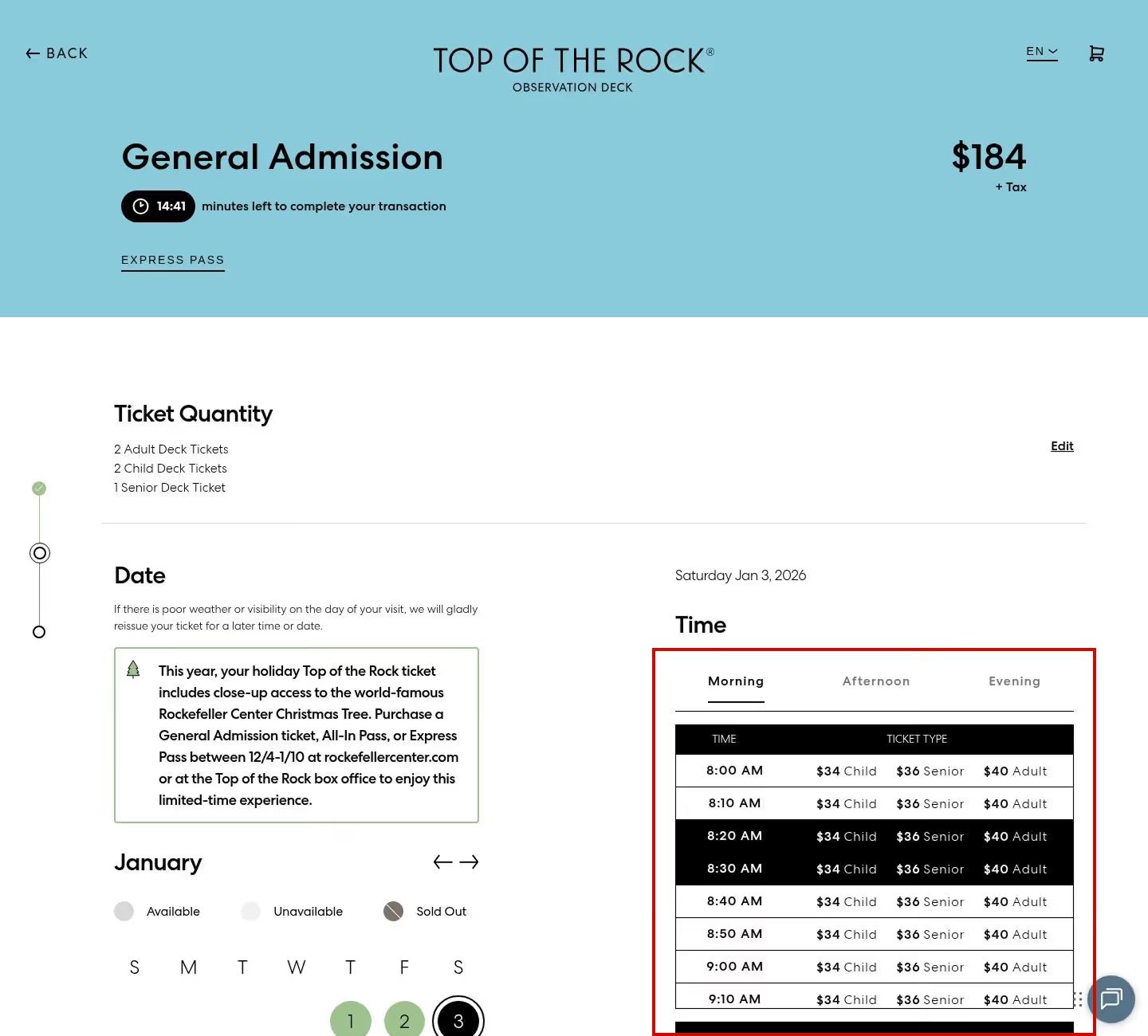

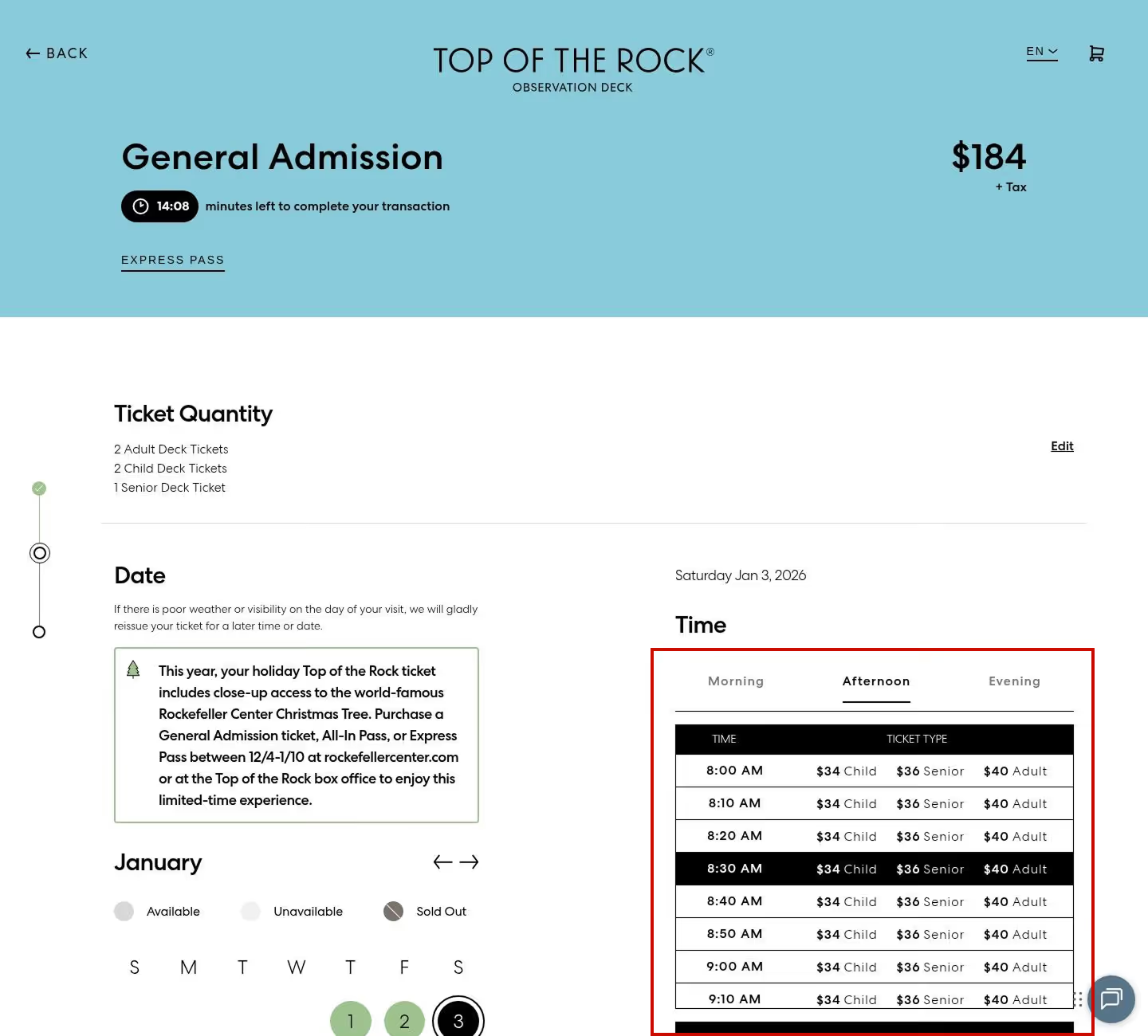

Step the Agent Failed on:
- 13 select the afternoon tab, make sure the table slides down to afternoon times, select a random afternoon time-slot
Metrics Achieved
Spur was responsible for:
Platform: Web Browser
Website: Rockefeller Center
Test Type: E2E Purchase Flow
End-to-end checkout Flow
Full Test That Was Run:
The test identified a critical UI interaction bug where clicking the "Afternoon" tab fails to update the displayed time slots. The time slot selector continues to show morning times (8:00 AM - 9:10 AM) instead of transitioning to afternoon slots. This appears to be a JavaScript event handler or state management issue where the tab click event is not properly triggering the time slot data refresh. This blocks users from selecting afternoon visit times, which are typically high-demand slots.
The test identified a critical UI interaction bug where clicking the "Afternoon" tab fails to update the displayed time slots. The time slot selector continues to show morning times (8:00 AM - 9:10 AM) instead of transitioning to afternoon slots. This appears to be a JavaScript event handler or state management issue where the tab click event is not properly triggering the time slot data refresh. This blocks users from selecting afternoon visit times, which are typically high-demand slots.
- 1 Close any privacy policy or other popups that are on the homepage
- 2 click buy tickets
- 3 if top of the rocks is not selected on the left, select it
- 4 select buy tickets for general admission
- 5 select a random amount of each type of ticket (adult, child, senior) up to 5 each
- 6 ensure that the price displayed changes with each change of ticket amounts
- 7 press continue
- 8 close out of any popup requests to upgrade
- 9 Scroll down to the calendar, select a random calendar date
- 10 move forward 1 month on the calendar, select another random date
- 11 wait for the time slots to load
- 12 select a random morning timeslot
- 13 select the afternoon tab, make sure the table slides down to afternoon times, select a random afternoon time-slot
- 14 move to the eveneing tab, make sure the table slides down to afternoon times, select a random evening time-slot
- 15 press checkout on the mini cart
- 16 enter first name:"roman", last name "testing", email "roman@bighuman.com", mobile number "123456789", credit card number "4111111111111111", exp date:any date in future, security code "333", billing address "89 Main Street", city "New York", state "NY",zip code "89000", country "United States"
- 17 accept terms and conditions
- 18 click on confirm order, wait for the app
- 19 confirm an order confirmation page

Bug Book
These are production bugs found for our actual customers
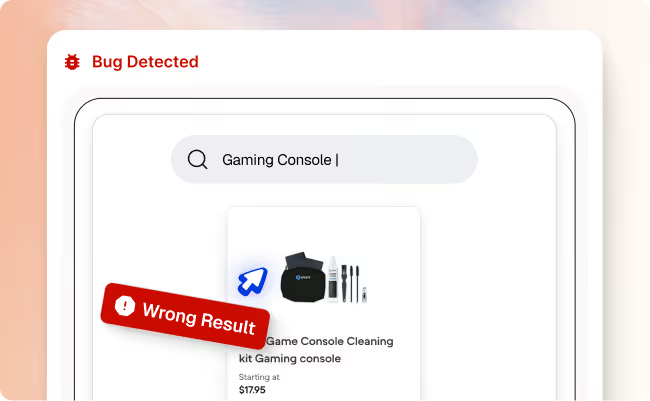

Search results for “gaming console” show accessories instead of consoles
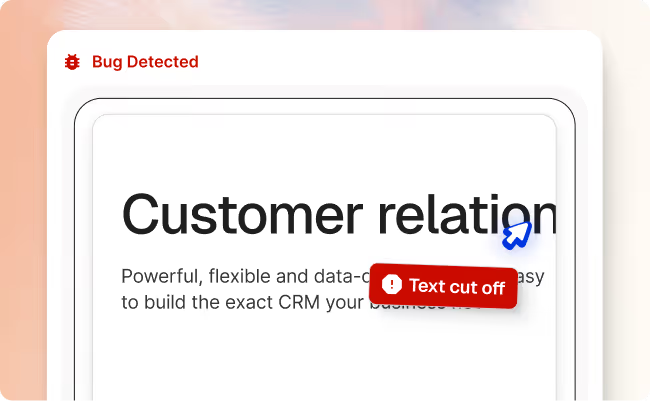

Multiple UI/UX inconsistencies on international pricing page
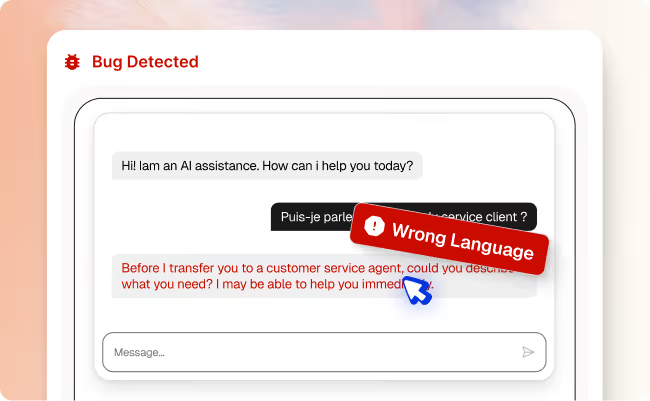

AI chat responds in English instead of French
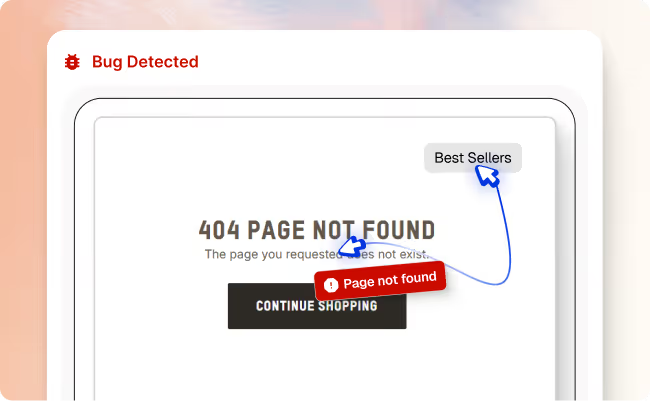

“Best Sellers” link in header leads to a 404 page
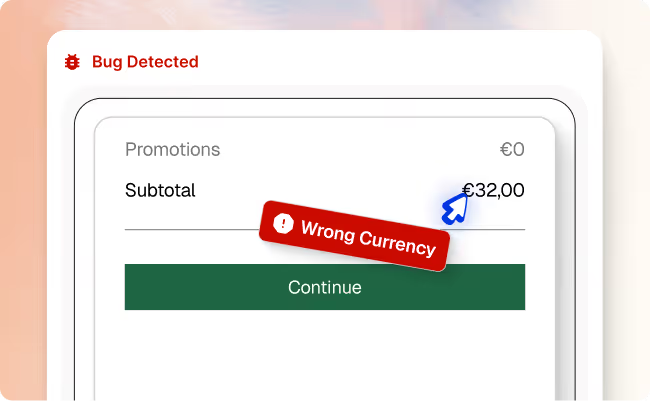
Checkout shows incorrect price or currency for Germany shoppers
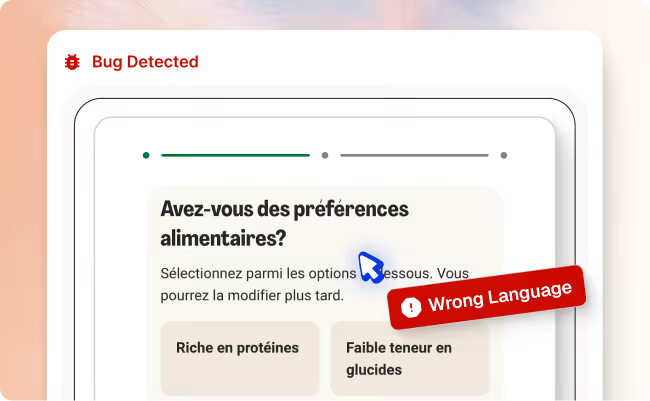
French (Belgium) users see incorrect language during checkout
.avif)
Chat responses fail during long conversations
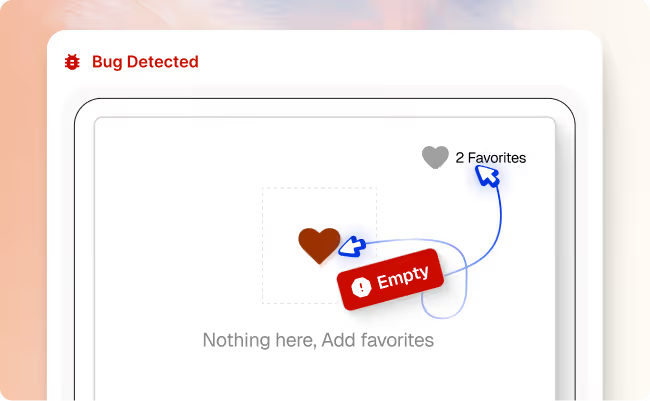
Liked Item Missing From Favorites
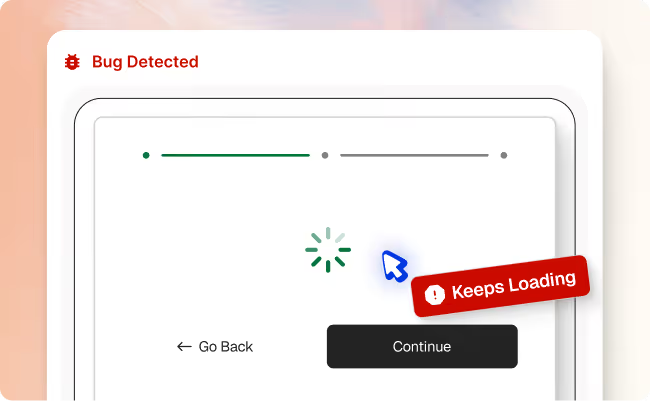
Meal selection page stuck loading
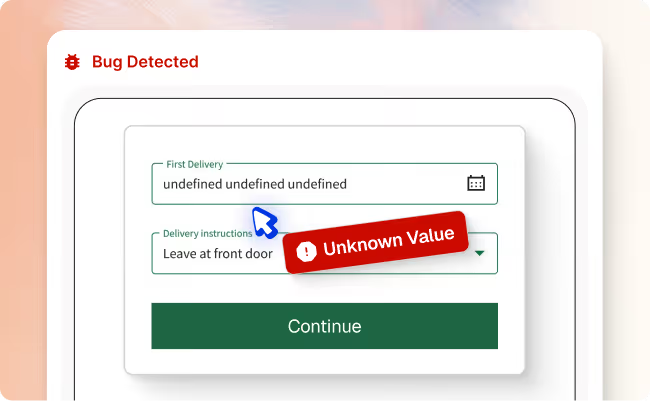
Delivery date is not displayed correctly
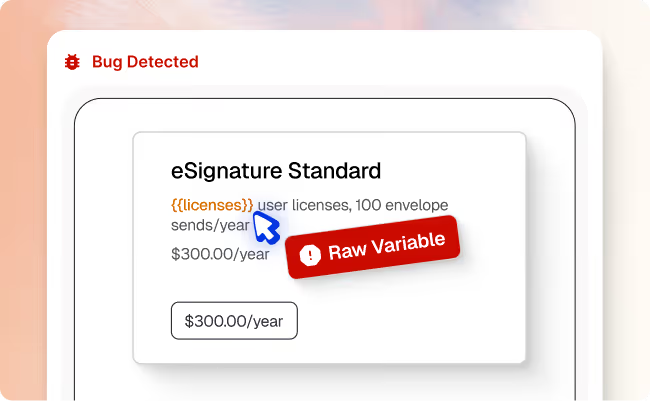
Subscription plan displays raw template text
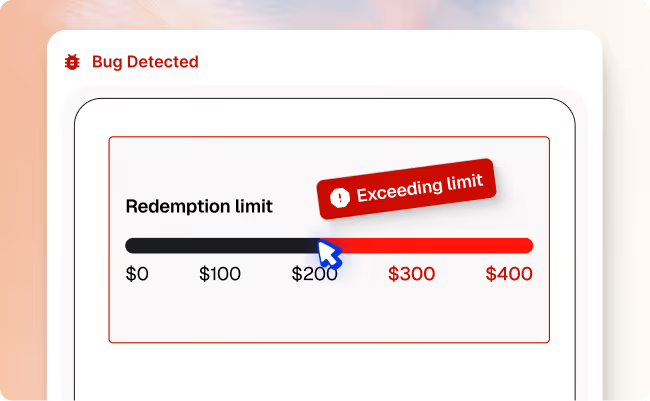

Rewards page shows incorrect annual redemption limit
Platform: Native Mobile App (Android)
Device: Pixel 4a
Android Version: 35
User Type: Tobacco Member
Test Result: Failed at step 5 - Points display configuration error
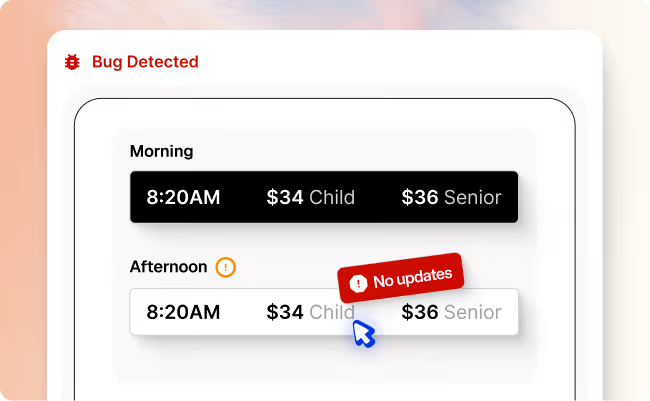
Afternoon time slots don’t appear when selected
Platform: Web Browser
Website: Rockefeller Center
Test Type: E2E Purchase Flow
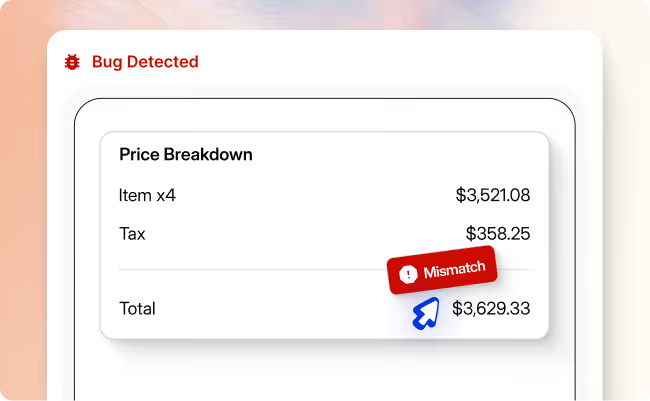
Total cost shown is wrong at checkout
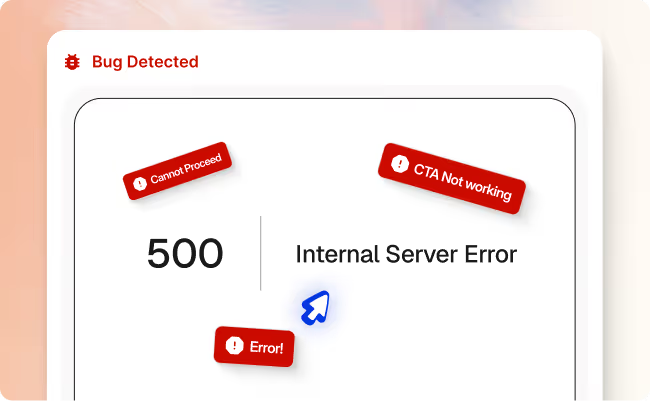
Checkout button leads to error page
Checkout completion rate, conversion rate, revenue
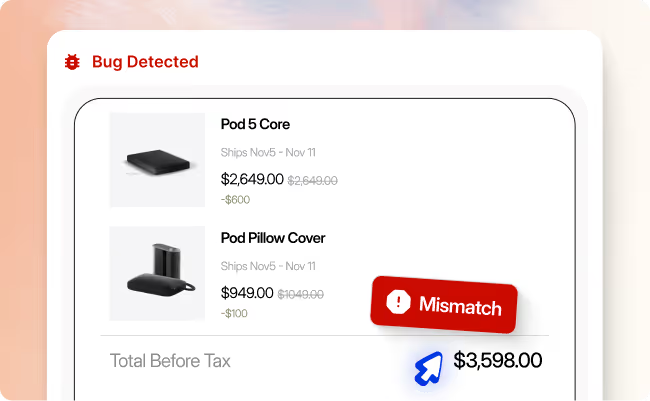
Checkout total is higher than expected
Revenue accuracy, pricing accuracy, discount validation, checkout conversion rate
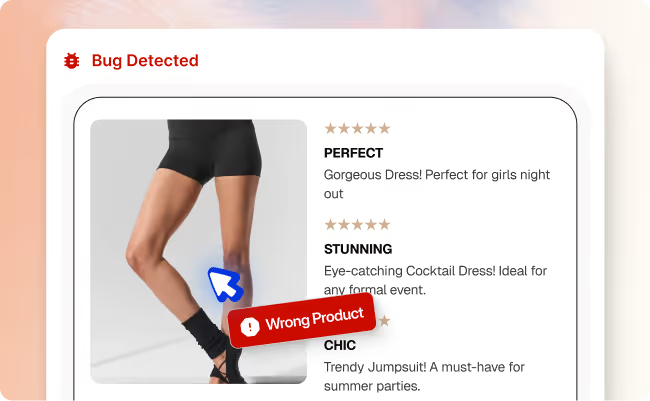
Reviews reference a different item (dress) on shorts page
- Prevented over $400k in lost sales
- Automated 21 hours in dev time on the bug
Schedule a Demo
We invite you to try us out with our new Pilot Program